
Assets Settings Page: Asset Types Tab
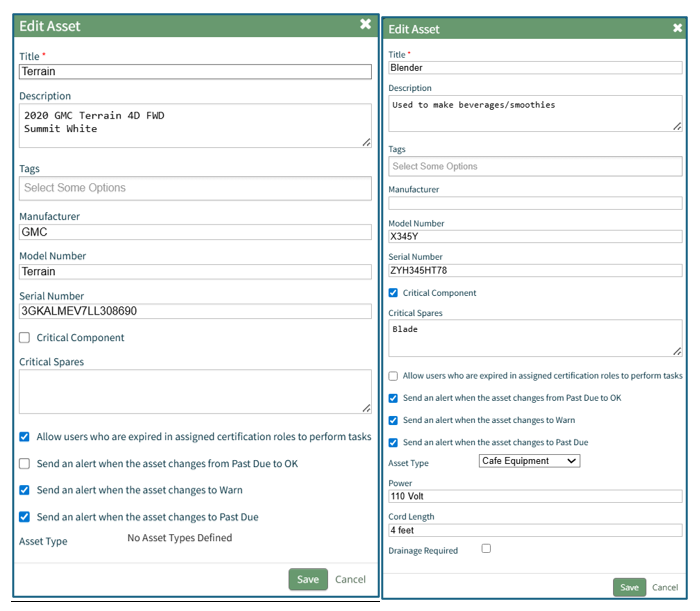
Creating Asset Types allows a user to organize and group assets. Asset Types allows a user to include additional information through the use of fields that can be used as a filter value if needed.
Asset Types are listed in table format on the Asset Types Tab of the Assets Module Settings Page.
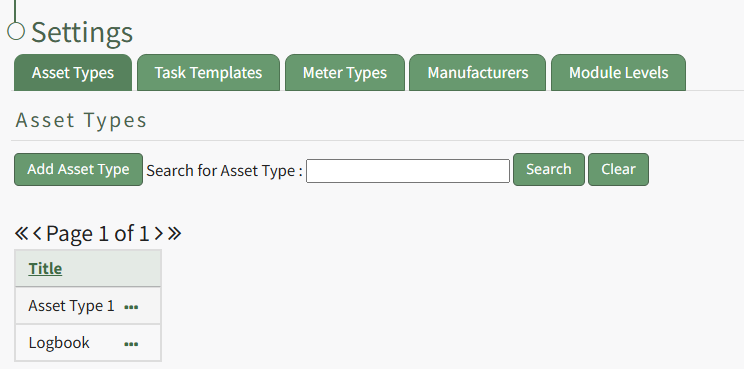
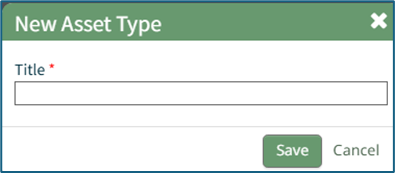
Selecting the “Add Asset Type” button opens the New Asset Type modal.
How To: Create a New Asset Type
WIKI LINK HOW TO: CREATE A NEW ASSET TYPE{{@470}}
Newly created Asset Type will show in the table on the Asset Type tab on the Settings page. Selecting the three dot (…) icon to the right of the Asset Title opens the asset type context menu with options for Asset Type Management that are explained in the table below. View, Fields, Edit, or Delete.
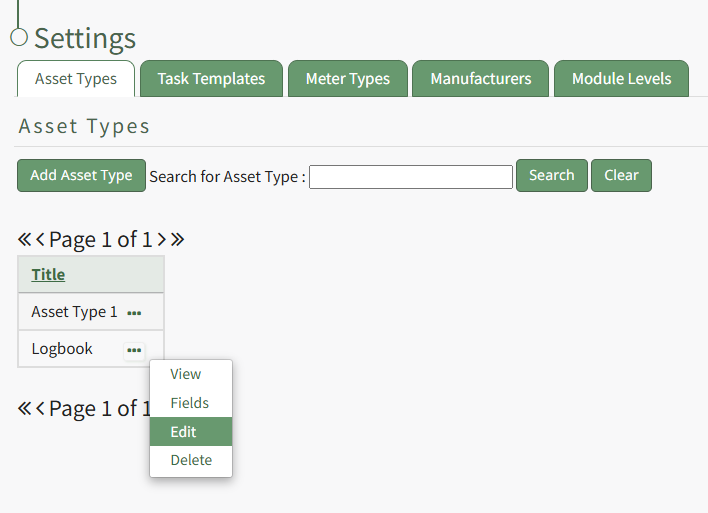
Asset Type Context Menu Option Explanation Table | |
Option | Explanation |
View | Selecting "View" from the asset type context menu opens the View Asset Type Modal which displays the title of the asset type and lists any fields associated with it.
|
Fields | Selecting "Fields" from the asset type context menu opens the asset type fields page where asset type fields can be added and managed. How To: Add Fields to an Asset Type
How To: Edit Asset Type Fields
|
Edit | Selecting "Edit" from the asset type context menu opens the Edit Asset Type Modal where the title of the asset type can be altered. How To: Change an Asset Type Name
|
Delete | Selecting "Delete" from the asset type context menu opens the Delete Asset Type Confirmation Modal which states the number of assets impacted by the deletion. How To: Delete an Asset Type
|
Once an Asset Type has been created, fields can be added to it. Selecting Fields from the Asset Type Context Menu opens the Asset Type Fields Page where new fields can be added and existing fields are managed. WIKI LINK HOW TO: ADD FIELDS TO AN ASSET TYPE
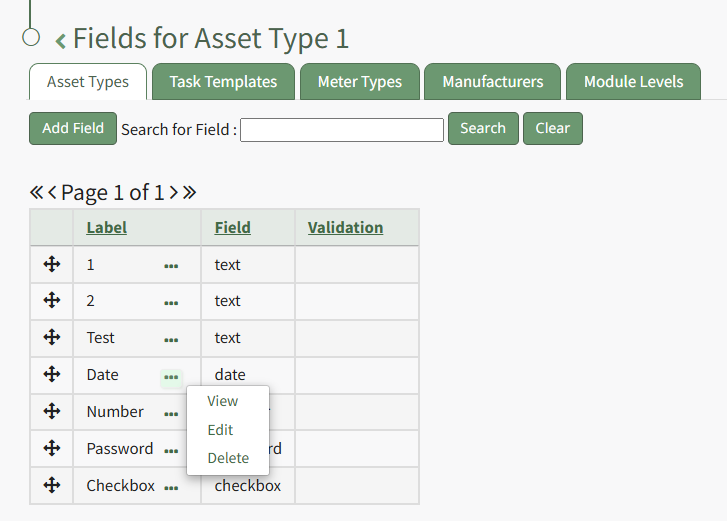
Asset Type Fields Table Context Menu Option Explanation Table | |
Option | Explanation |
View | Selecting "View" from the asset type fields context menu opens the View Asset Type Fields Modal which displays the existing Asset Type Fields and information associated with it. How To: View the Fields Associated with an Asset Type
|
Edit | Selecting "Edit" from the asset type fields context menu opens the Edit Asset Type Field Modal where the field details can be altered. How To: Edit an Asset Type Field
|
Delete | Selecting "Delete" from the asset type fields context menu opens the Delete Asset Type Field Confirmation Modal which states the number of assets impacted by the deletion. The modal will How To: Delete an Asset Type Field
|