
Understanding Workflows
Each action in KAStrack is assigned a workflow, a process an action follows from when it is first opened to marked as complete. Each action has its own workflow – to create a new action you are required for one to select one.
There are three default workflows already created in KAStrack, explained in the Workflow Explanation Table below.
Workflow Explanation Table | ||
Workflow | Explanation | Image |
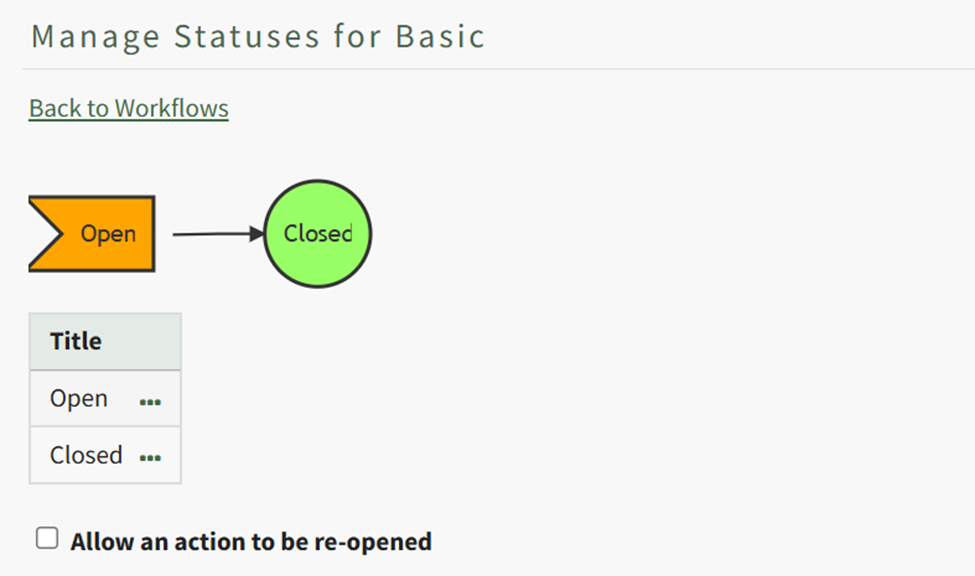
Basic | The Basic Workflow is the bare minimum workflow, where an action status is marked as open and changes to closed when completed. |
|
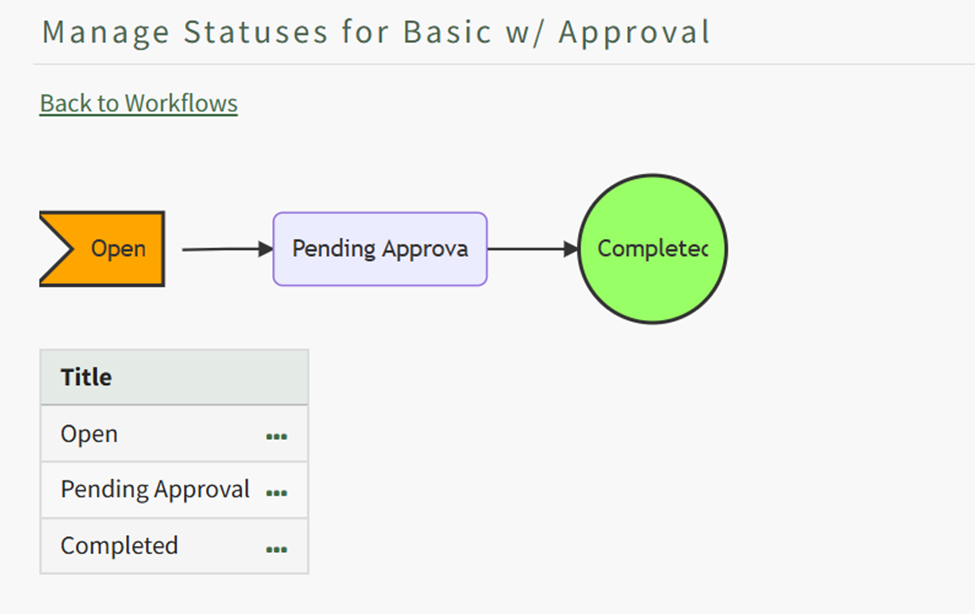
Basic with Approval | The Basic with Approval Workflow adds an intermediary step to the workflow. An approver is assigned (at the action level) to ensure that the action was satisfactorily completed before it given completed status. |
|
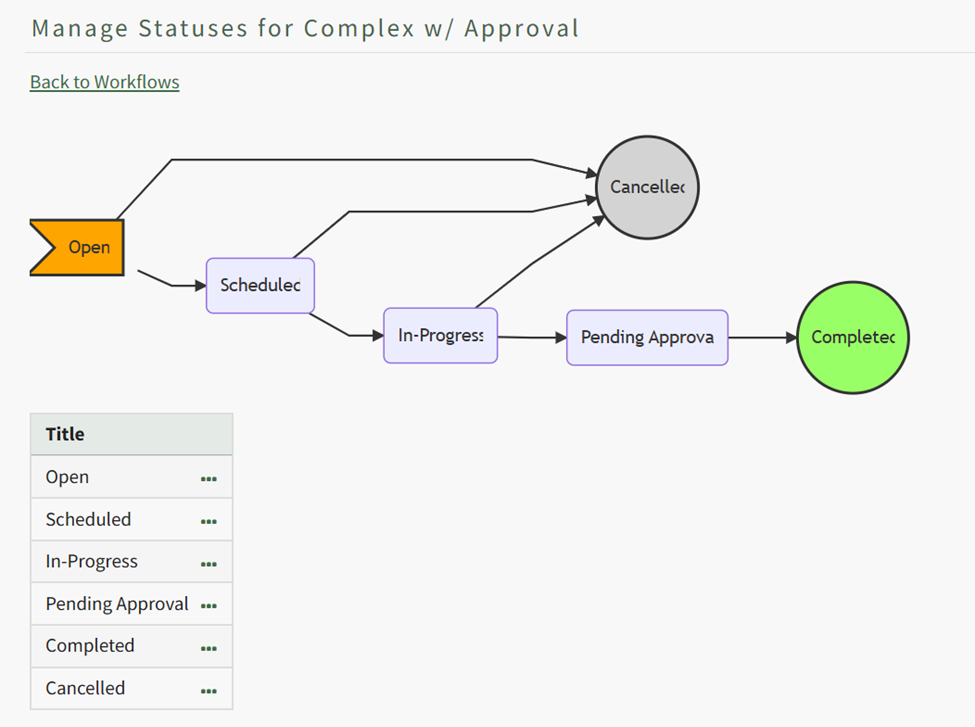
Complex with Approval | The Complex with Approval Workflow has several status phases (open, scheduled, in-progress) allowing for an action to be cancelled before being submitted for approval and completion. |
|
A user with Admin access level permissions can create new workflows customized to your organization.
WIKI LINK HOW TO CREATE A NEW WORKFLOW
Actions can be approved by an individual. Multiple individuals can be assigned as approvers or interested parties. Any assigned approver will be able to change the action status and only one individual’s approval is needed for the status to change.