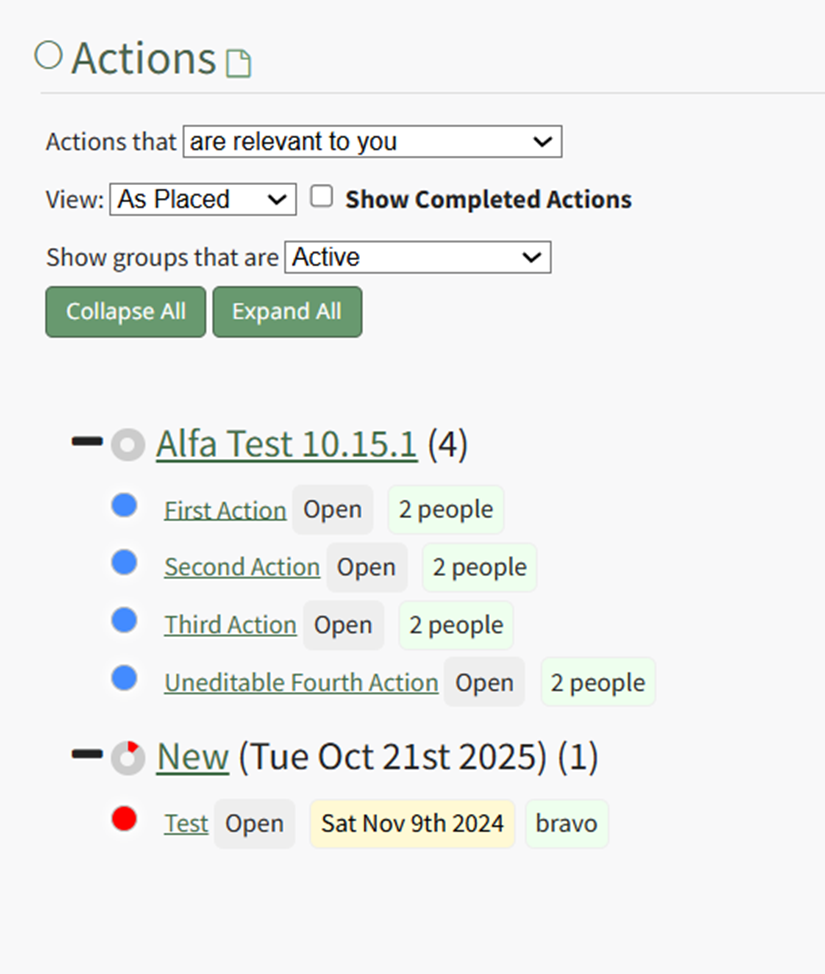
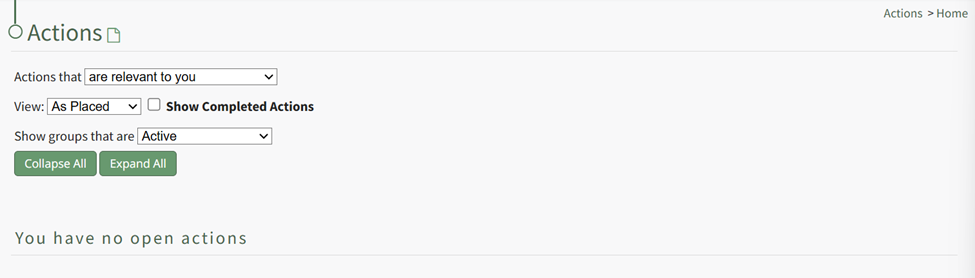
Actions Home Page
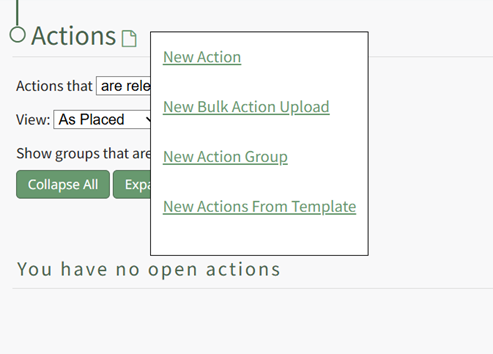
Actions Home Page Context Menu Option Explanation | |
Option | Explanation |
New Action | Selecting "New Action" from the context menu will open the New Action Modal allowing for the creation of a New Action. WIKI LINK HOW TO CREATE A NEW ACTION |
New Bulk Action Upload | Selecting "New Bulk Action Upload" opens the Import Actions Page which allows bulk actions to be imported into KAStrack via .csv file. WIKI LINK IMPORT ACTIONS PAGE |
New Action Group | Selecting “New Action Group” opens the New Action Group Modal that create a new action group. WIKI LINK: HOW TO CREATE A NEW ACTION GROUP |
New Actions from Template | Selecting "New Actions from Template" INSERT MORE EXPLANATION |
Actions Module Home Page Filter Option Explanations | ||
Field | Options | Explanation |
Actions that (dropdown menu) | are relevant to you |
|
are assigned to you |
| |
you are an approver for |
| |
you are interested party for |
| |
show all actions |
| |
View (dropdown menu) | As Placed |
|
By Due Date |
| |
By User |
All unassigned actions will show at the bottom of the action list. | |
Show Completed Action (checkbox) |
| |
Show groups that are (dropdown menu) | Active |
|
In Need of Attention |
| |
Cancelled |
| |
Archived |
| |
Show All Groups |
| |