
Inactive Accounts Tab
The Inactive Accounts Tab on the Site Settings page allows for customization regarding inactive users. Default system settings prevent inactive users from logging in, prevent user accounts from being automatically deactivated for inactivity, prevent user accounts from being automatically deactivated when certification / role requirements are expired/no longer valid (e.g. red certification status), do not exempt access levels from account deactivation, and has inactivity alerts disabled.
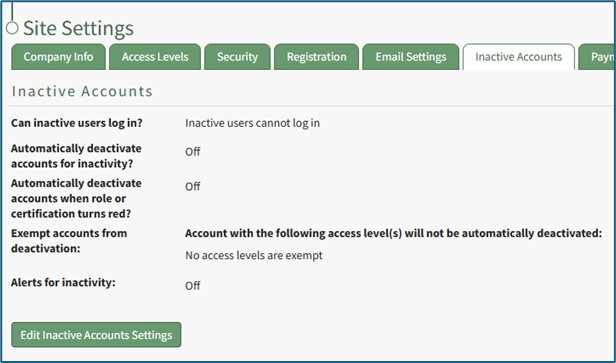
All default settings can be altered on the Inactive Accounts Tab.
How To: Edit Inactive Account Settings
WIKI{{@139}}