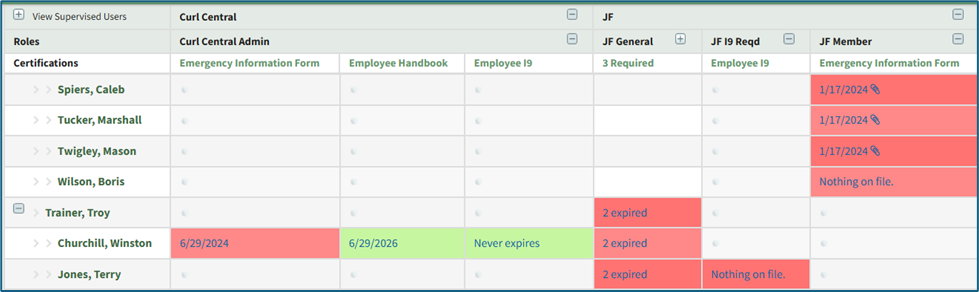
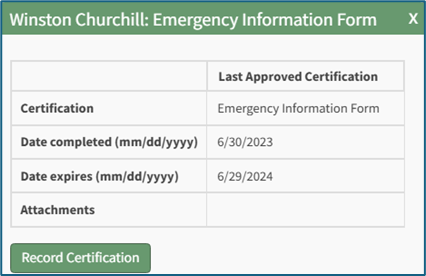
Matrix Page
The Matrix Page in the People Module allows for a quick visualization of all available user’s certification statuses in table format. The Matrix Page can be accessed from the Main Menu.
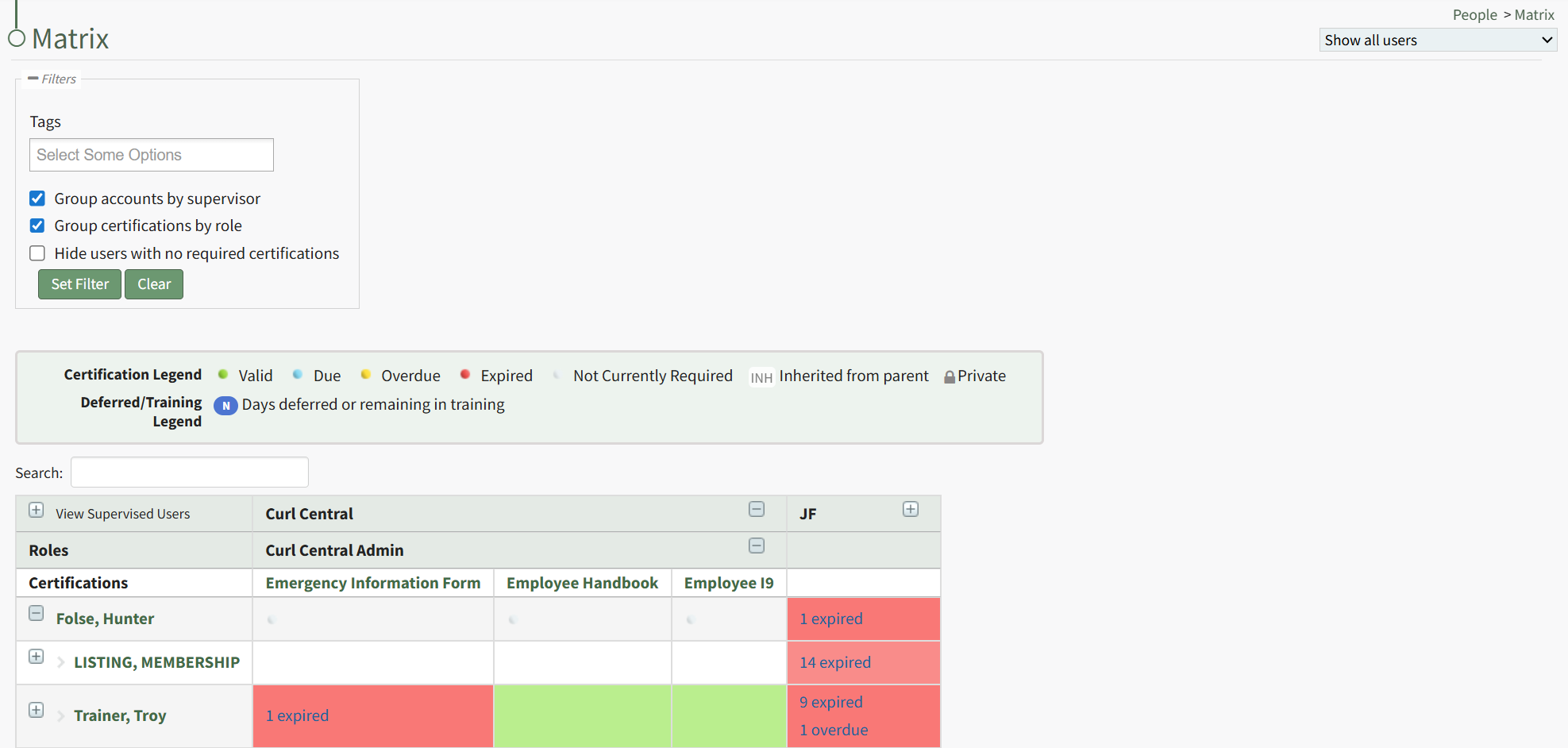
A filter box immediately below the Matrix Page header allows an administrator/supervisor to filter by tags. Tags can be created as desired within the Tags Module on the Manage Page. WIKI LINK HOW TO: TABS MODULE THAT HASN’T BEEN WRITTEN YET
You can only filter Certifications by Tags that you have access to.
Selecting the appropriate checkbox will group accounts by supervisor, group certifications by role, or hide users with no required filters.
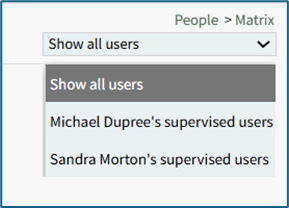
certifications records within the Matrix Table.
Understanding the Matrix Table