
View Interim Notes Associated with Historical Tasks
To view interim notes associated with historical tasks, open the relevant asset's History Page. WIKI LINK HOW TO VIEW AN ASSET'S HISTORY PAGE
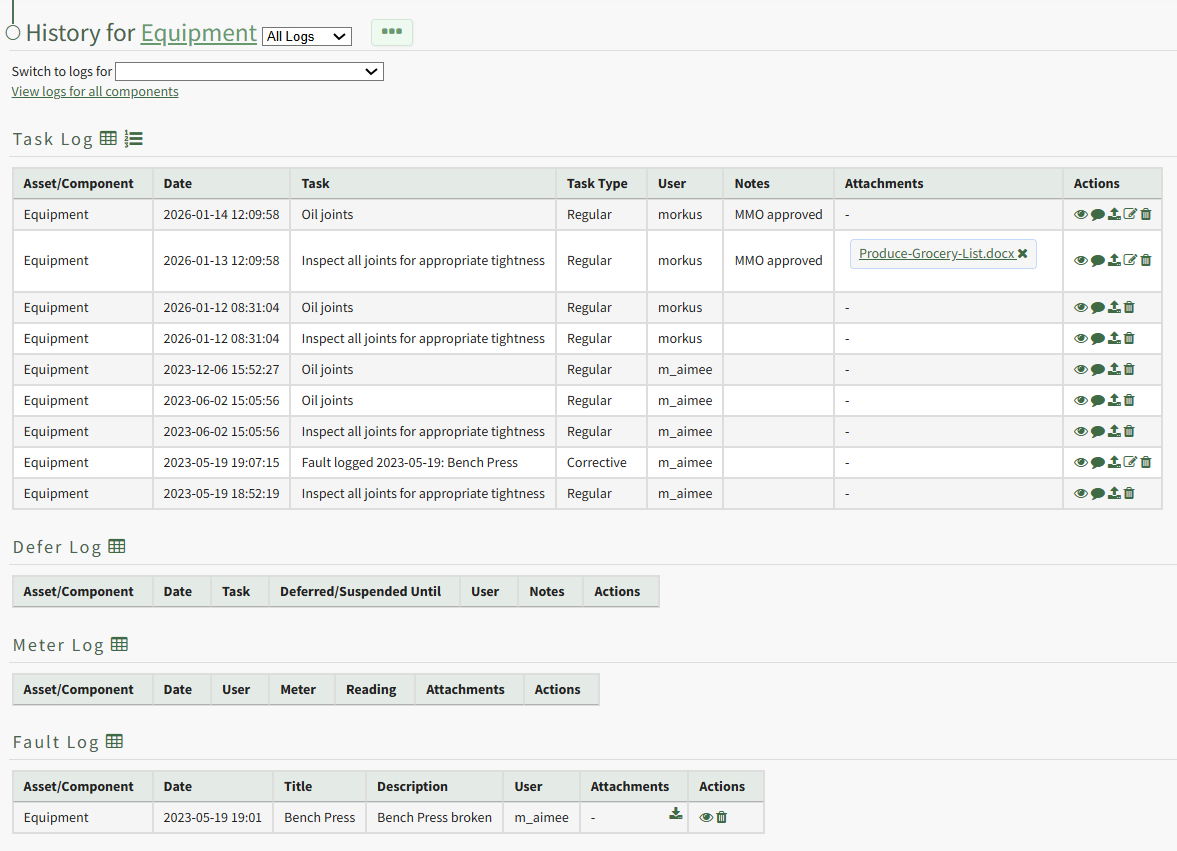
Click the Dialogue Icon in the Actions Column to the right of the task whose interim notes you wish to view opening the Interim Notes Modal which displays any interim notes made on the historical task record.
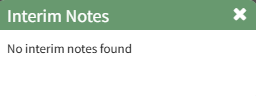
If no interim notes were made on the task, the modal will indicate that no interim notes were found.