
Reject a Form Entry Pending Approval
To reject a form entry pending approval, go to the Home Page of the Forms Module.

Select “View Entry” from the Actions column of the Form Entries Pending Approval Table opening the view form entry modal.

Select the “Reject” button opening a Confirmation Modal that states, “Are you sure you want to reject this entry?
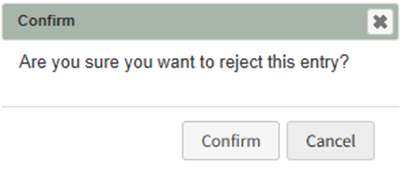
Select “Confirm” and a confirmation modal states, “Rejected”.
