
Move a File / Folder
AllTo move a file/folder namesin arethe shownDocuments onModule, open the Documents Home Page from the Main Menu and navigate the repository to the file/folder you want to move.
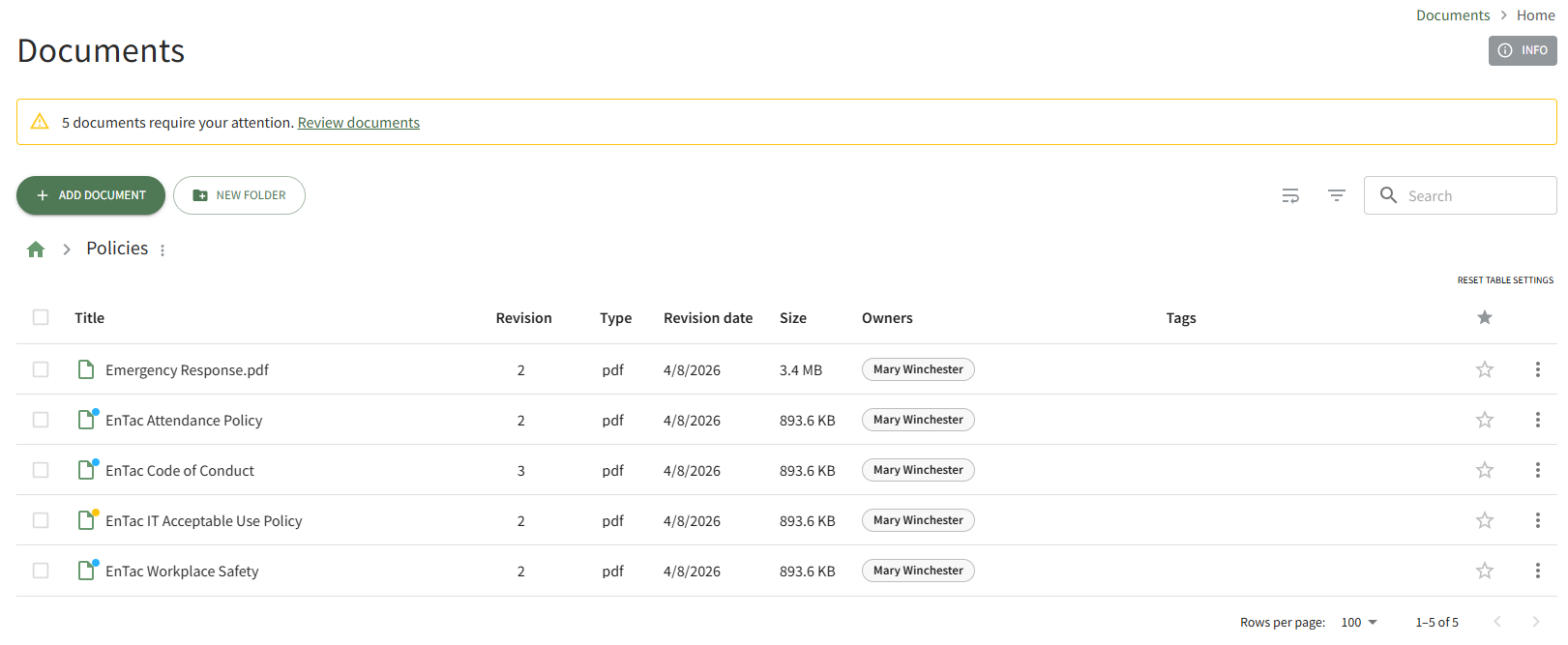
Click the vertical three-dot icon to the right of the file you wish to move, opening the file's context menu.
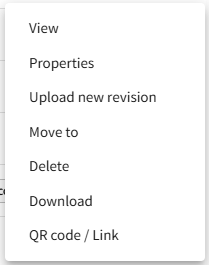
Select Move To, opening the Move (FILE / FOLDER NAME)To Modal.
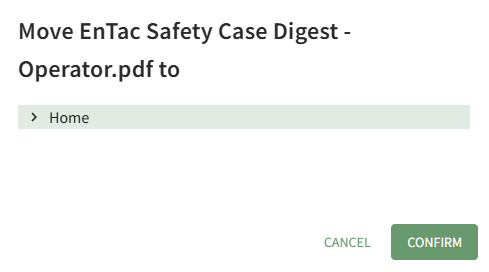
The right arrow indicates a collapsed folder. Click it to expand and see all the subfolders contained within it. The down arrow indicates an expanded folder. Click it to collapse the parent folder and remove all subfolders from view.
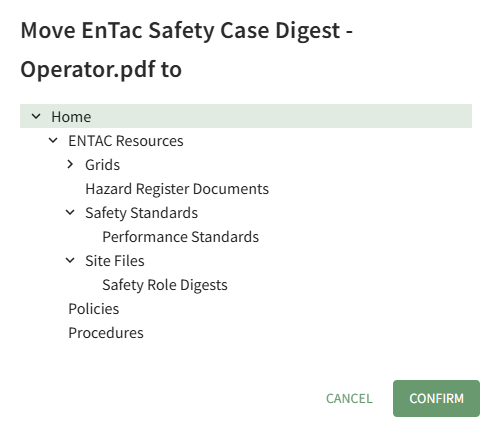
Select the folder you wish to move the file/folder to, then press “Confirm.”the Confirm button.

Rootpop-up isconfirms a reference to Documents List onthat the Overviewfile Page.was relocated.