
Export User Certifications
Certifications can be exported from KAStrack into a CSV file.
Select the Certifications Page in the People Module from the Main Menu to open the Certification Table. Click the three-dot icon to the right of the header to open the Certification Roles Page Context Menu and select “Export Certifications”.
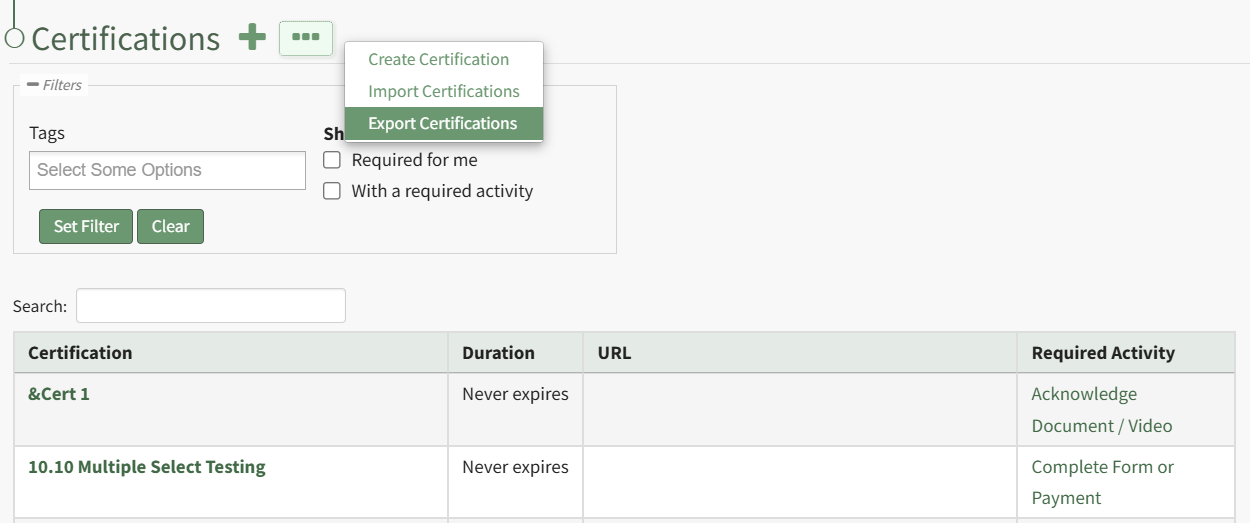
This opens the Export Certifications Modal.
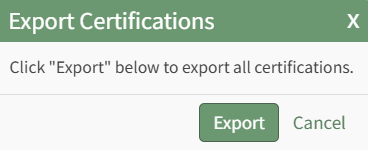
Select the “Export” button to download a CSV file into your device’s Downloads folder that contains all role/certification assignments.