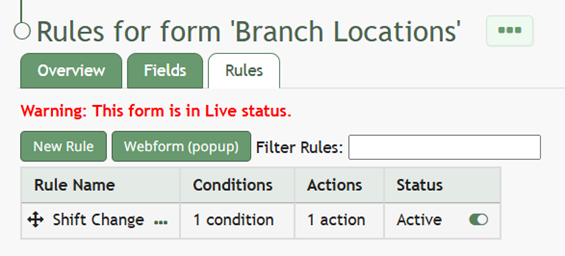
Edit the Status of a Form Rule
To change the status of a form rule, go to the Home Page in the Forms Module. Click the three dot icon to the right of the form title that you want to create a rule for opening the Form context menu. Select “Rules”.
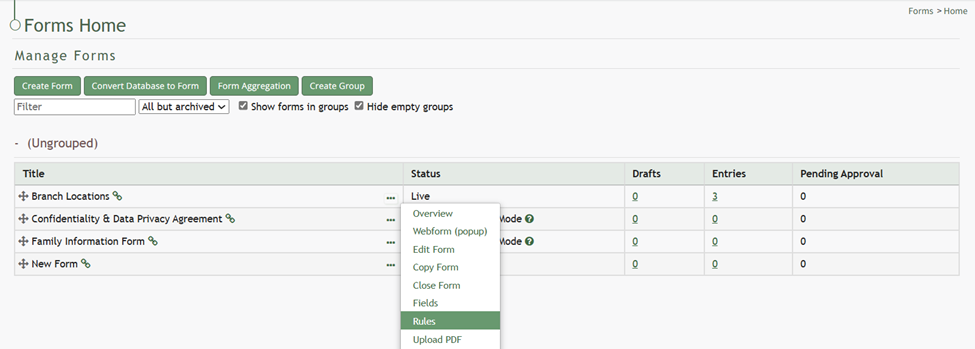
This opens the Rules Tab containing the Rule Table.
If your form is already live, you will be asked to enable editing before you can add a new rule to your form.
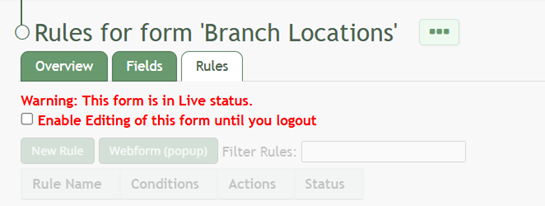
After enabling editing (if required), you will be able to change the status of the rule.
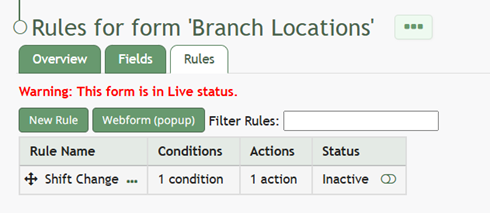
To the right of a rule’s status is an icon. Click the slider bar icon and it will change the inactive status to active (and vice versa).