
Edit Course Page Properties

Existingedit coursesa arecourse, listed alphabetically inopen the tableCourses underneathModule Home Page from the “NewMain Course”Menu button according to title.
To manage a pre-existing course,and select the three dot (…) icon to the right of the titlecourse andyou makewish ato selectionedit fromopening the course context menu.
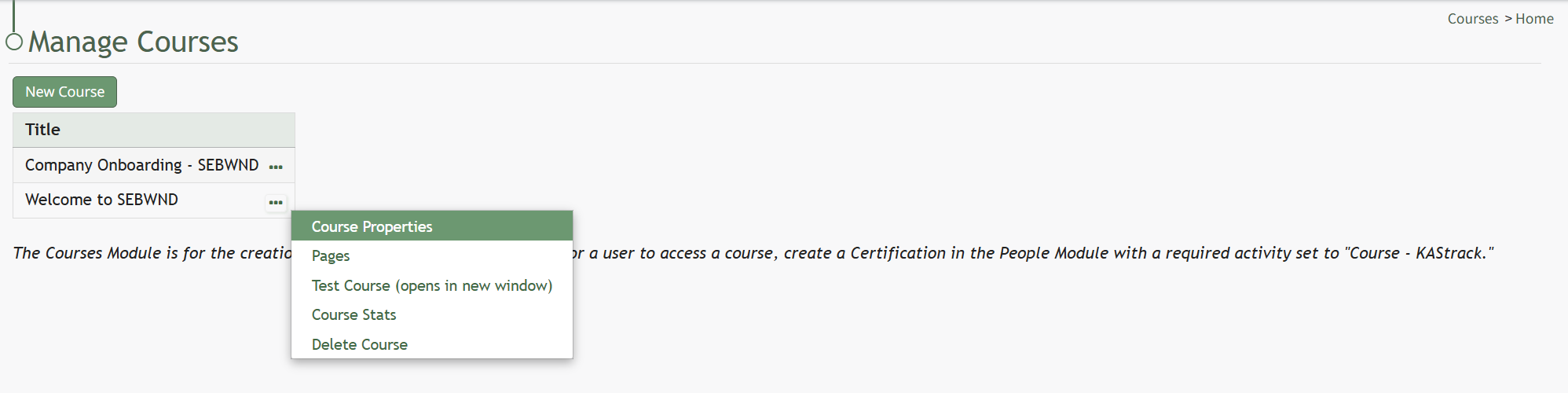
Selecting “Course Properties” allows the user to edit the original parameters that were selected when the course was created.
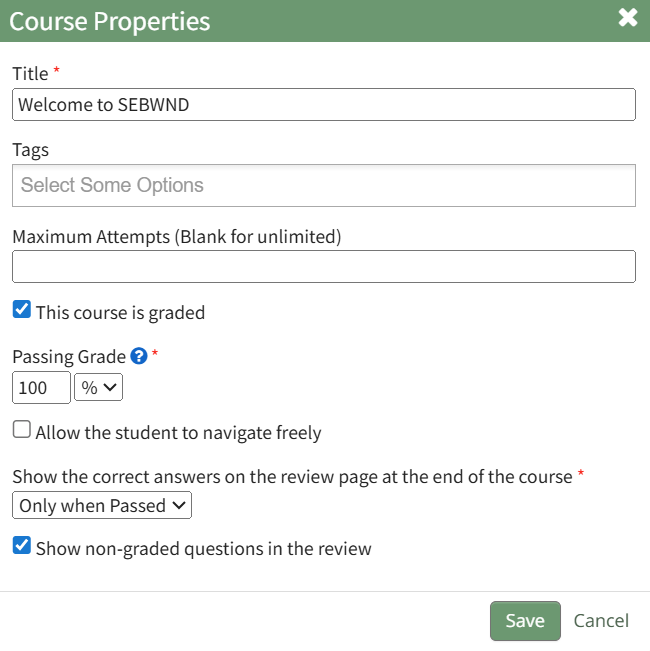
This selection re-opens the same options as in the “New Course” modal to change the course name, tags, settings for grading, and post course review.
How To: Create a New Course
{{@233}}