
Edit Certification Role Details
To edit the details of a certification role, open the Roles Page in the People Module from the Main Menu.
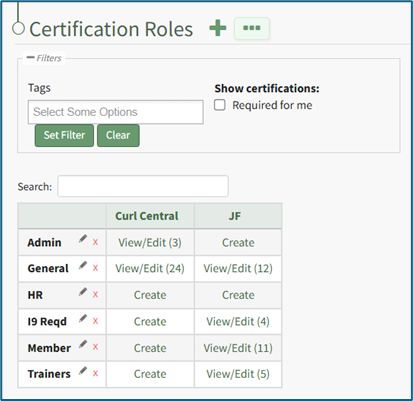
Click “View/Edit (#)” to open the Roles Page Assigned Users Tab. Select the Role Info Tab.
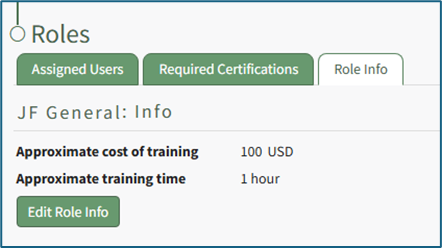
Click the “Edit Role Info” button to edit the role information specified when the certification role was created.
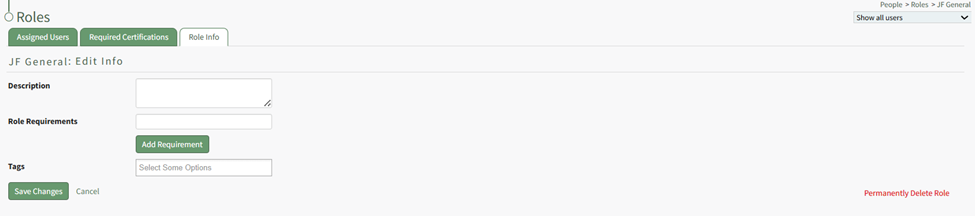
Alter the description, role required, tags, and/or any competency settings for the Certification Role (if competency tracking is enabled for your KAStrack installation), and then click the “Save Changes” button to return to the Role Info Tab.