
Edit An Action Group Template
To edit an action group template, select Templates from the Actions Module Main Menu, opening the Manage Templates Page. Selecting the three dot icon to the right of the Action Group Template Title opens the Action Group Template Context Menu.
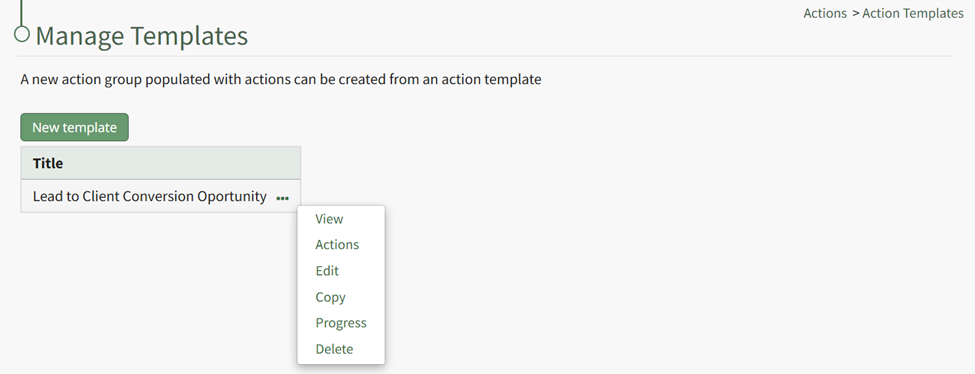
Select “Edit” on the context menu, opening the Edit Template Modal.
Make the desired changes to the action group template fields and select the “Save” button at the bottom of the modal when you are finished so that those changes will be reflected in the system.