
Edit a Form
To edit a form, go to the Home Page in the Forms Module. Click the three-dot icon to the right of the form you wish to edit opening the specific form’s context menu. Select “Edit Form”.

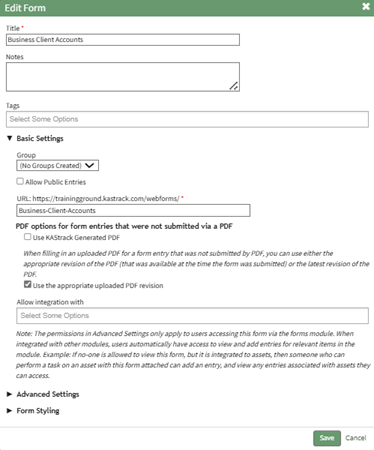
This opens the “Edit Form Modal”.
How HOWTo: TO:Create CREATEa A FORMForm
{{@386}}
Confirm you wish to edit the form by clicking the “Save” button. Selecting “Cancel” will return you to the Forms Home Page.