
Download Historical Task Attachments
To download attachments associated with historical tasks, open the History Page of the relevant asset.
How To: View an Asset's Historical Logs
WIKI LINK HOW TO VIEW AN ASSET'S HISTORY PAGE{{@766}}
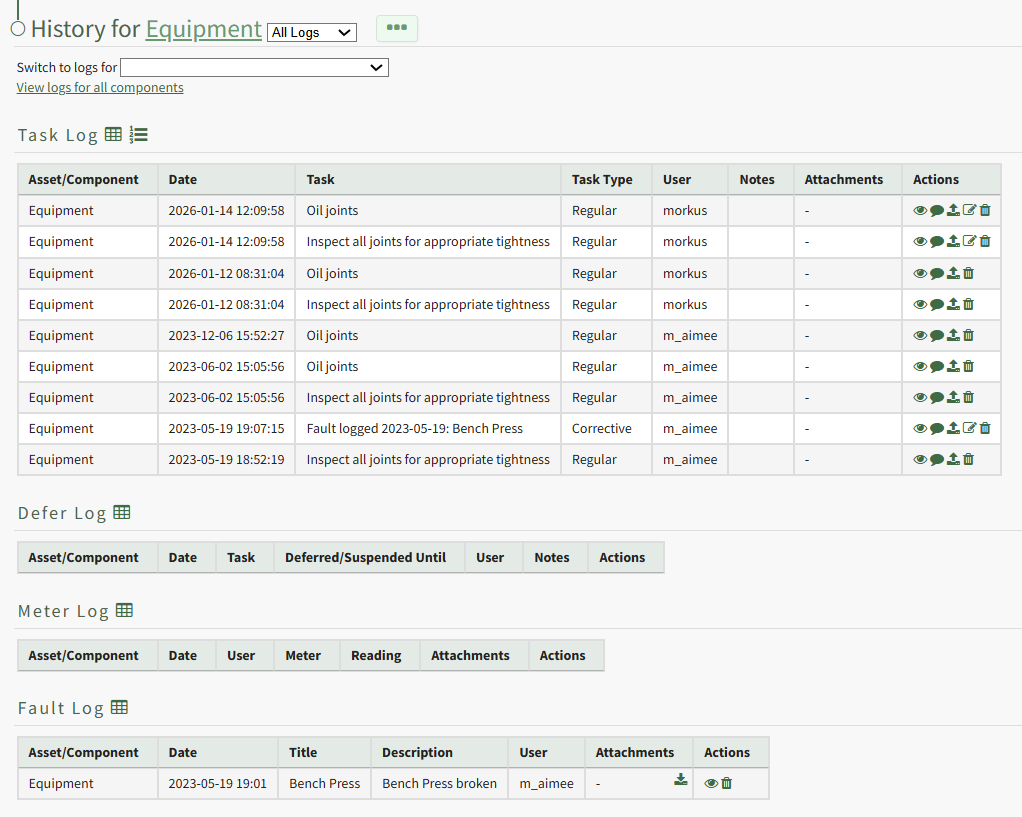
Select the download icon in the Attachments Column of the Log Table opening a Download Attachments Modal that generates a clickable link.
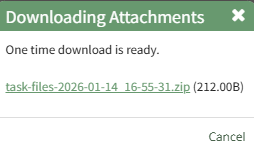
Click the link and the task record's attachment will be downloaded to your personal device.