
Download Historical Task Attachments
To download attachments associated with historical tasks, open the History Page of the relevant asset. WIKI LINK HOW TO VIEW AN ASSET'S HISTORY PAGE
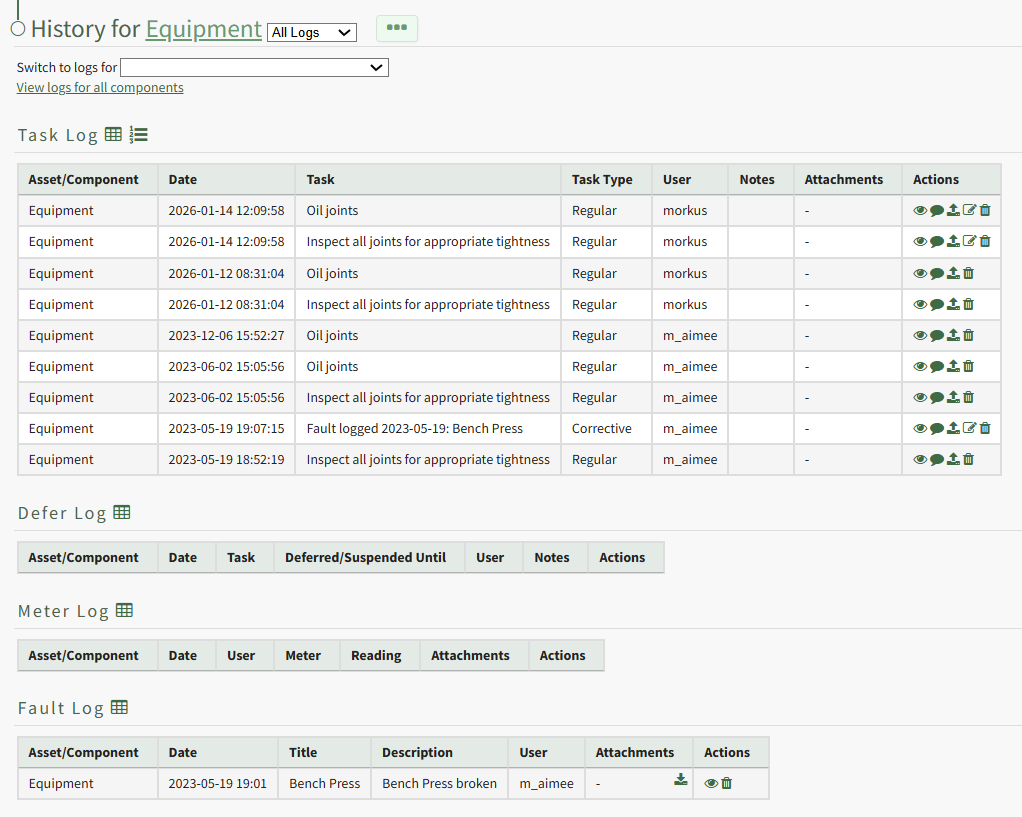
Select the download icon in the Attachments Column of the Log Table opening a Download Attachments Modal that generates a clickable link.
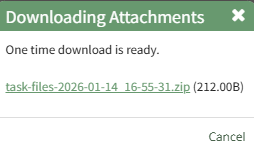
Click the link and the task record's attachment will be downloaded to your personal device.