Delete a Task Template
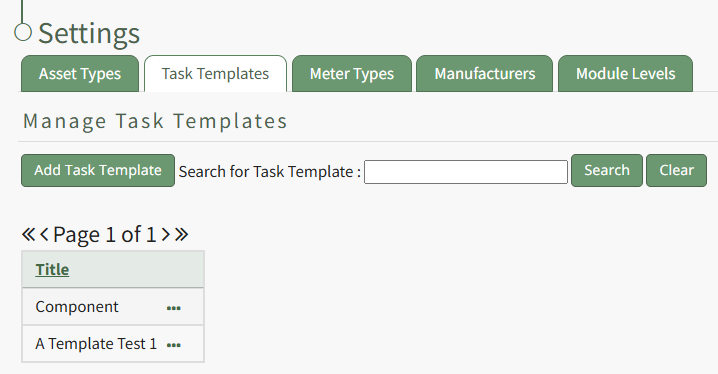
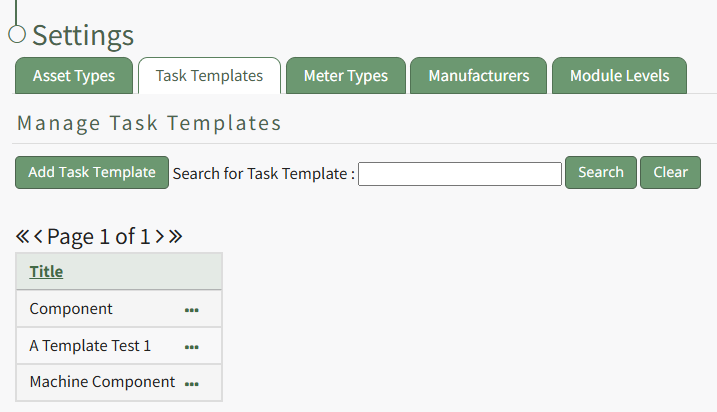
To delete a task template, go to the Task Template Tab on the Settings Page of the Assets Module.
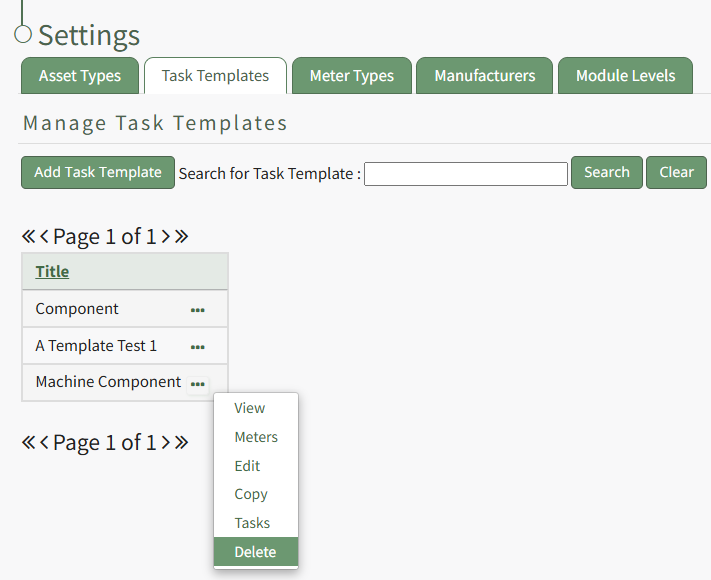
Select the three-dot icon to the right of the Task Template you wish to delete, opening the Task Template Context Menu. Select "Delete".
This opens the Deletion Confirmation Modal which states, "Please confirm that you wish to delete this task template."
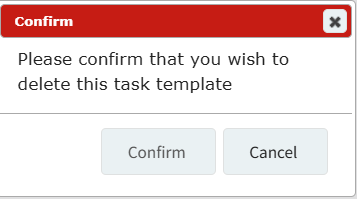
Select the "Confirm" button and a pop up confirms that the task template has been deleted.

The deleted Task Template no longer shows on the Task Template Table.