
Delete a Folder
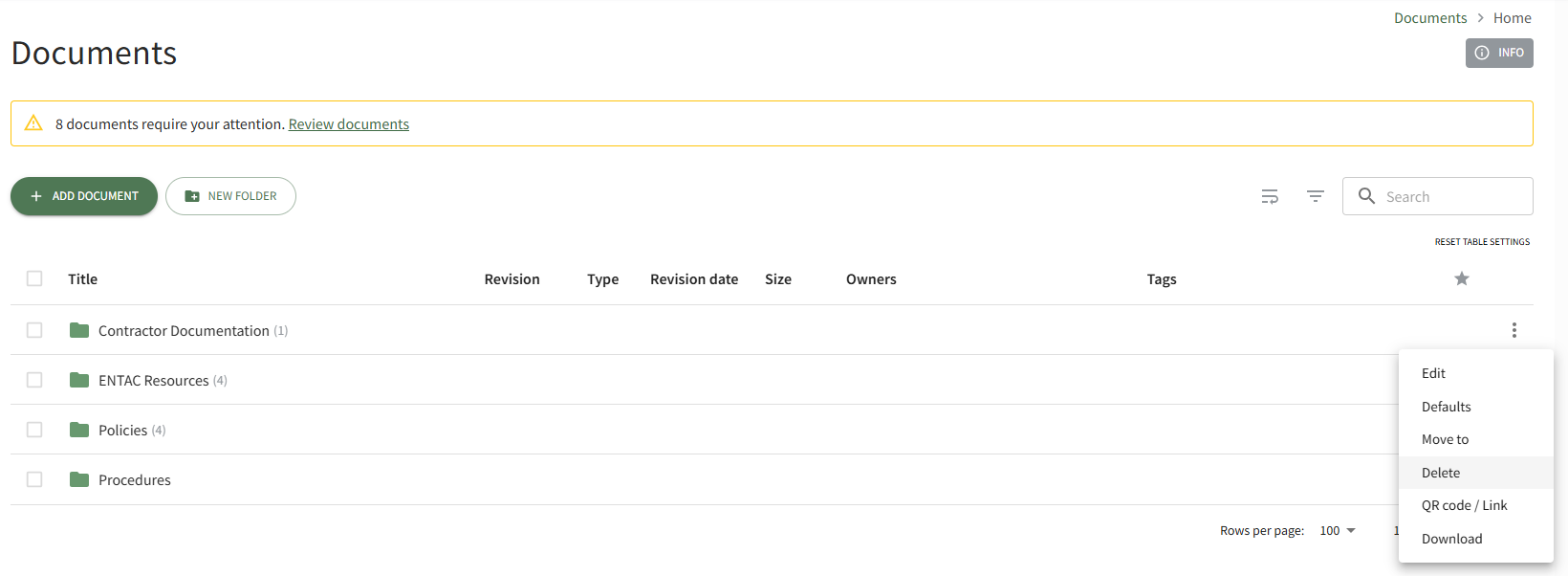
To delete a folder in the Documents Module, open the Documents Home Page from the Main Menu and navigate the repository to the folder you wish to delete. Click the vertical three-dot icon to the right of the folder opening the folder's context menu. Select the Delete option.
This opens the Deletion Confirmation Modal.
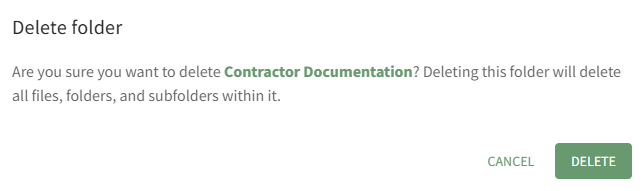
The modal states, "Are you sure you want to delete FOLDER NAME? Deleting this folder will delete all files, folders, and subfolders within it." Click the Delete button.
The folder and its contents have now been deleted from the Documents Module.