
Defer a Task
To defer/postpone a task for completion at a future time, open the Task Schedule Page for the Asset of interest. WIKI LINK TO HOW TO VIEW AN ASSETS TASK SCHEDULE
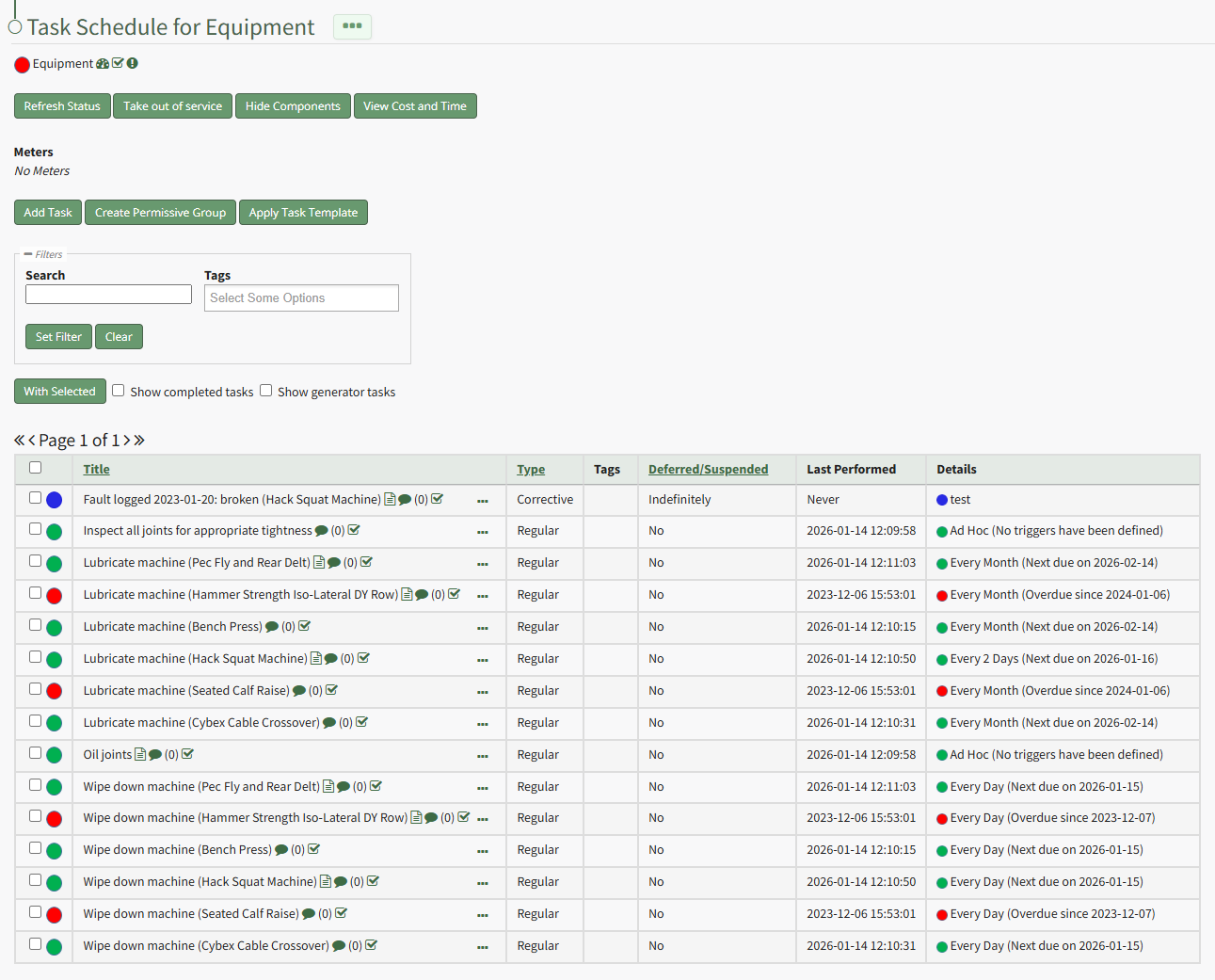
Click the three-dot icon to the right of the task you wish to defer opening the Task Schedule Table Context Menu. Select “Defer Tasks” from the context menu opening the Defer Task Modal.
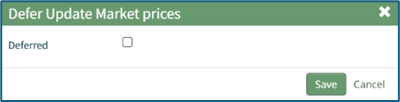
When the user selects the Deferred checkbox, the Defer Task Modal expands.
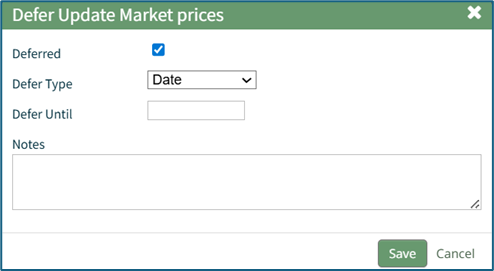
A Date deferment allows the user to select a date that the task will be deferred until. Add any desired notes and select “Save” to record the deferment.
If an individual meter is selected as the deferment type, the Defer Task modal will display the current meter reading and allow the user to input a new meter reading. The task will be postponed until the newly input meter reading is hit.
Add any desired notes and select the “Save” button to record the deferment.