
Copy a QR Code
To copy an individual QR Code, open the QR Code Page of the Communications Module from the Main Menu.
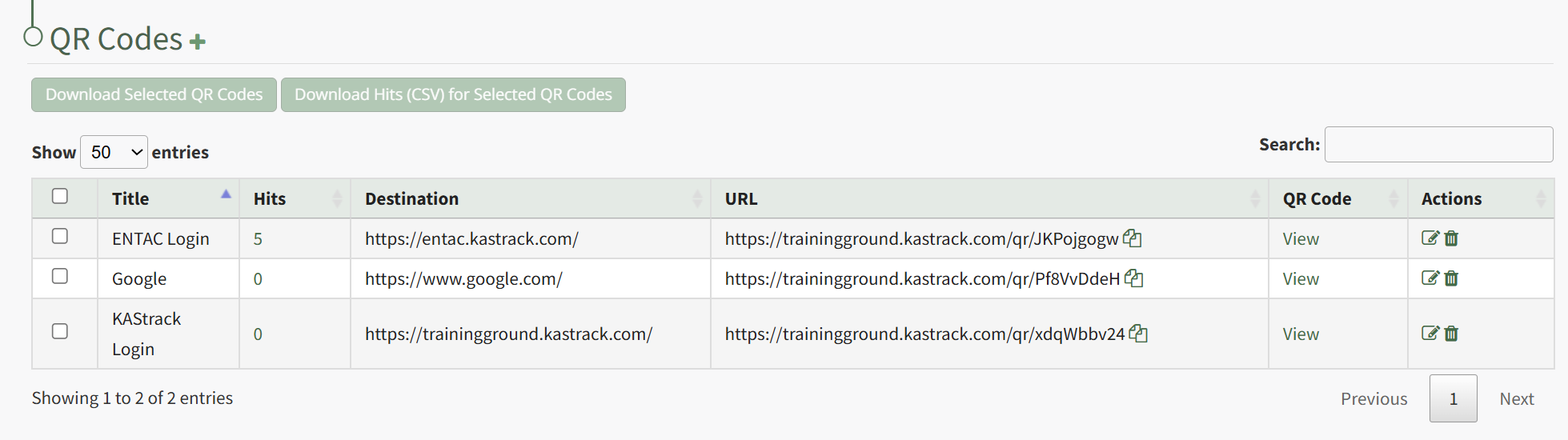
Click "View" in the QR Code Column to the right of the specific QR Code you wish to view. This opens the QR Code Modal and displays the specified QR Code.

Click the "Copy QR Code" button, and you can now paste the specified QR Code as needed.