
Attach a Documents Module File to a System Message
To attach a documents module file to a system message, open the Send Communications Page in the Communications Module from the Main Menu.
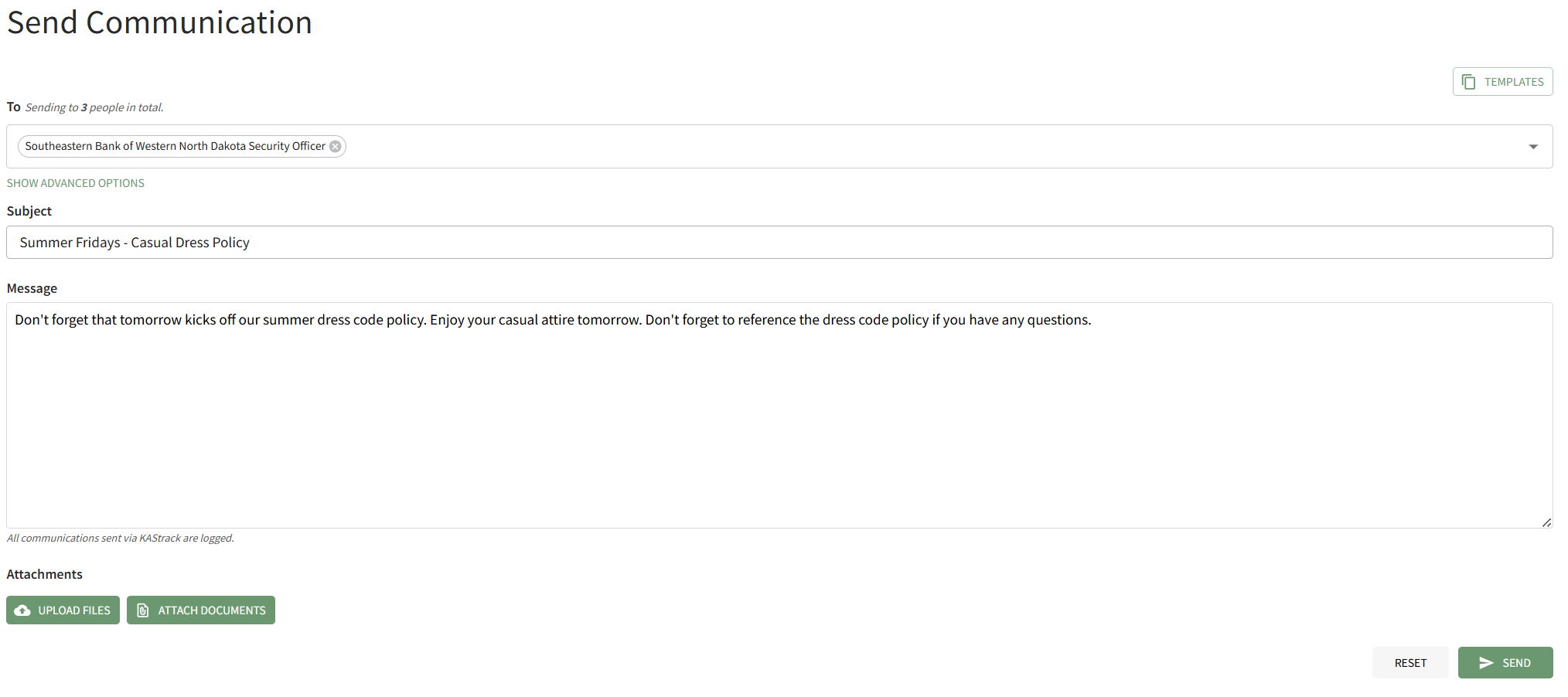
Click the "Attach Documents" button on the bottom left-hand side of the page opening the Attach Documents Modal.
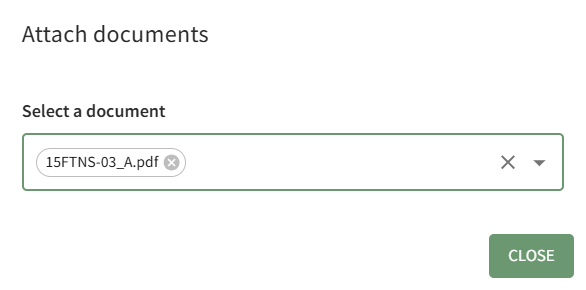
Choose the file you wish to attach to the system message from the dropdown menu. It will automatically attach it to the bottom of the Send Communication page. Click the"Close" button on the modal to return to the Send Communications Page.
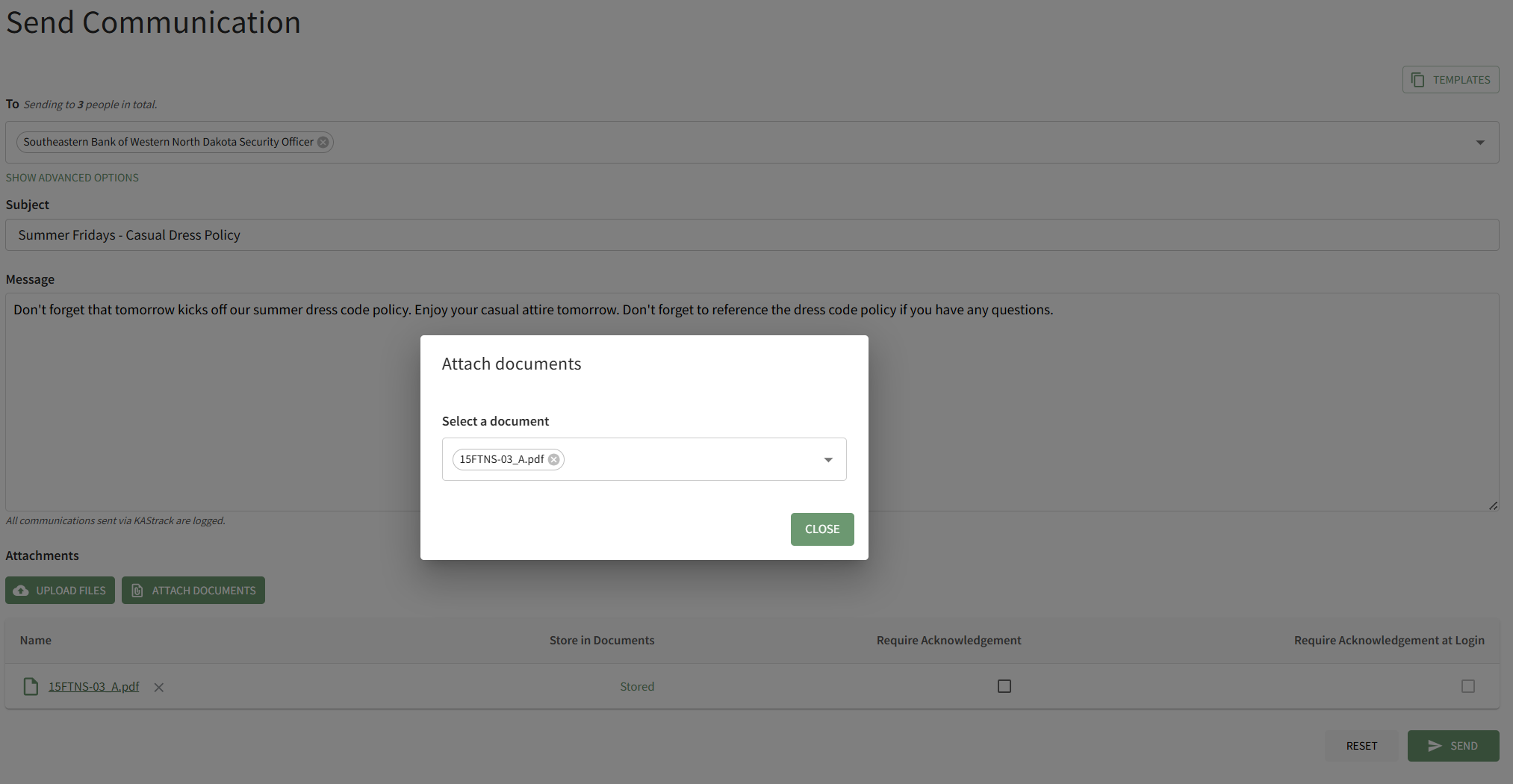
Checkboxes to the right of the attachment allow you to require acknowledgement of the attached file from the Documents Module, or to require acknowledgement of the attached file immediately when the message recipients login to the system next.

After make the appropriate selections, click "Send" on the bottom right-hand side of the page to send the system message.