
Add Tasks to a Task Template
To add tasks to a task template, go to the Task Template Tab on the Settings Page of the Assets Module.
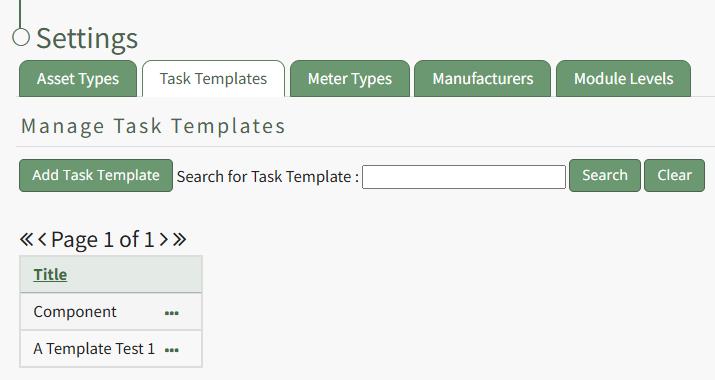
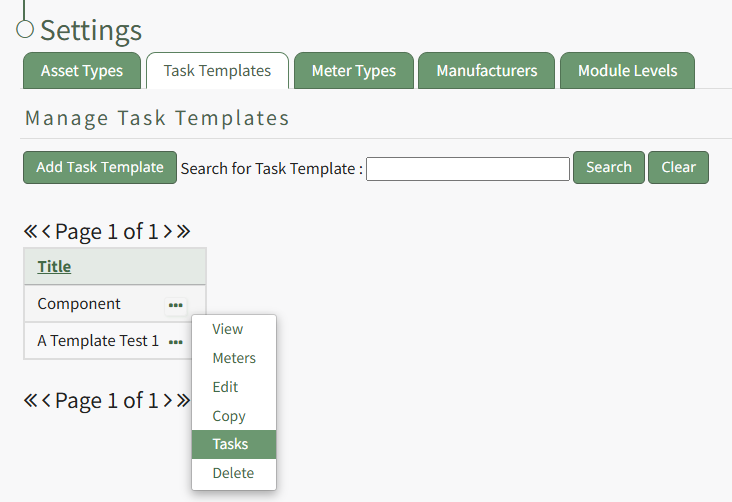
Select the three-dot icon to the right of the task template you wish to add a task to opening the Task Template Context Menu. Select "Tasks".
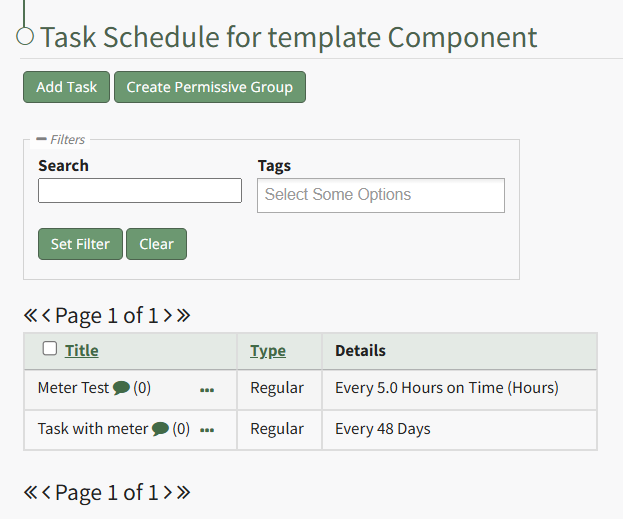
This opens the Task Template Task Schedule. Select the "Add Task" button beneath the page header.
This opens the New Task Modal.
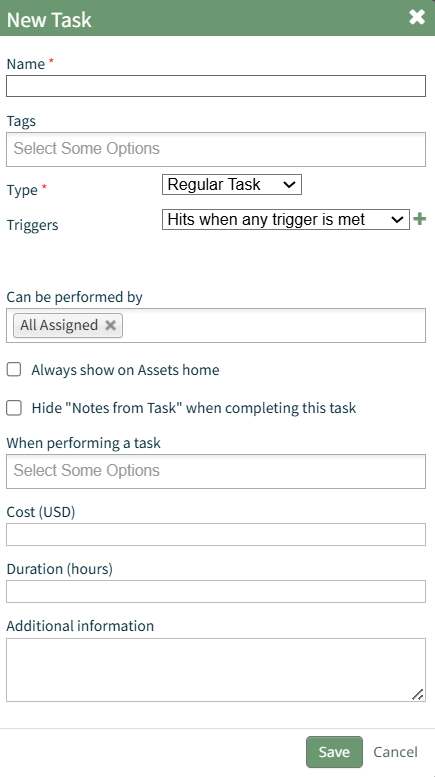
Input the information for the New Task and select the "Save" button.
For a detailed explanation on creating new tasks, refer to the How To Add a Task to an Asset. WIKI
How HOWTo: TOCreate ADDa ANew TASKTask TOon ANthe ASSETTask TASK SCHEDULESchedule
{{@881}}
A pop up confirms that the task has been saved.

The new task now shows on the task schedule for the task template.