Add Pages to a New Section
To add pages to a new section, you must open the course's Details Page.
How To: Access A Course's Details Page
{{@935}}
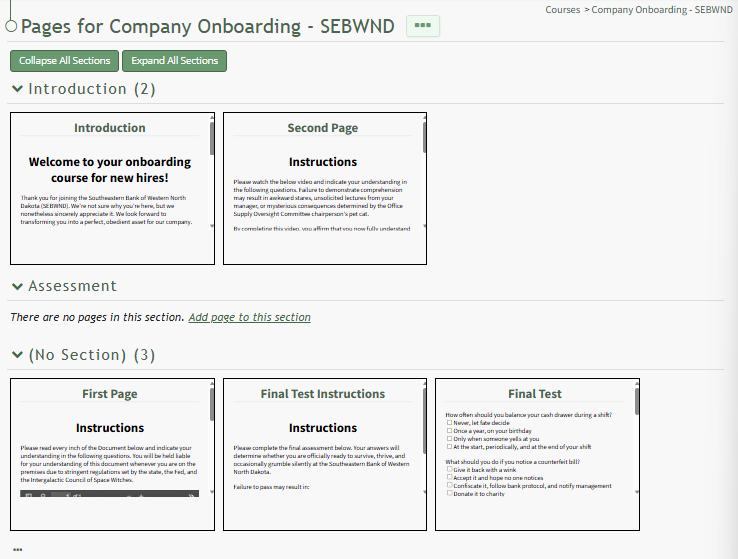
A section without pages in it will state, "There are no pages in this section. Add page to this section."
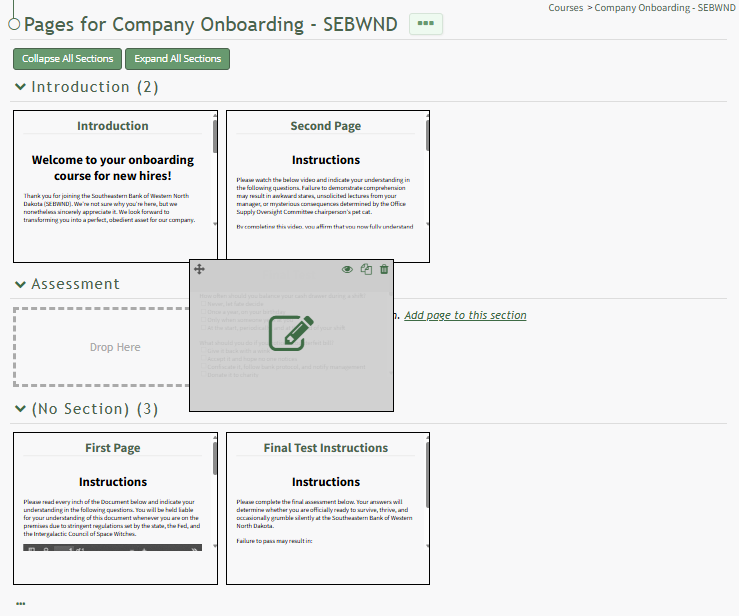
Click the link to Add page to this section to create a new page in the section. You can also drag and drop a page to its desired section.