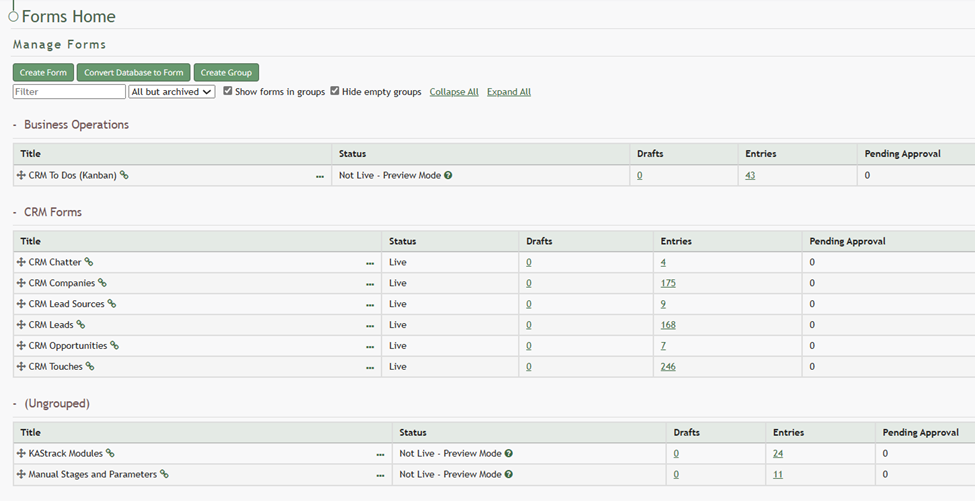
Add Forms to a Group
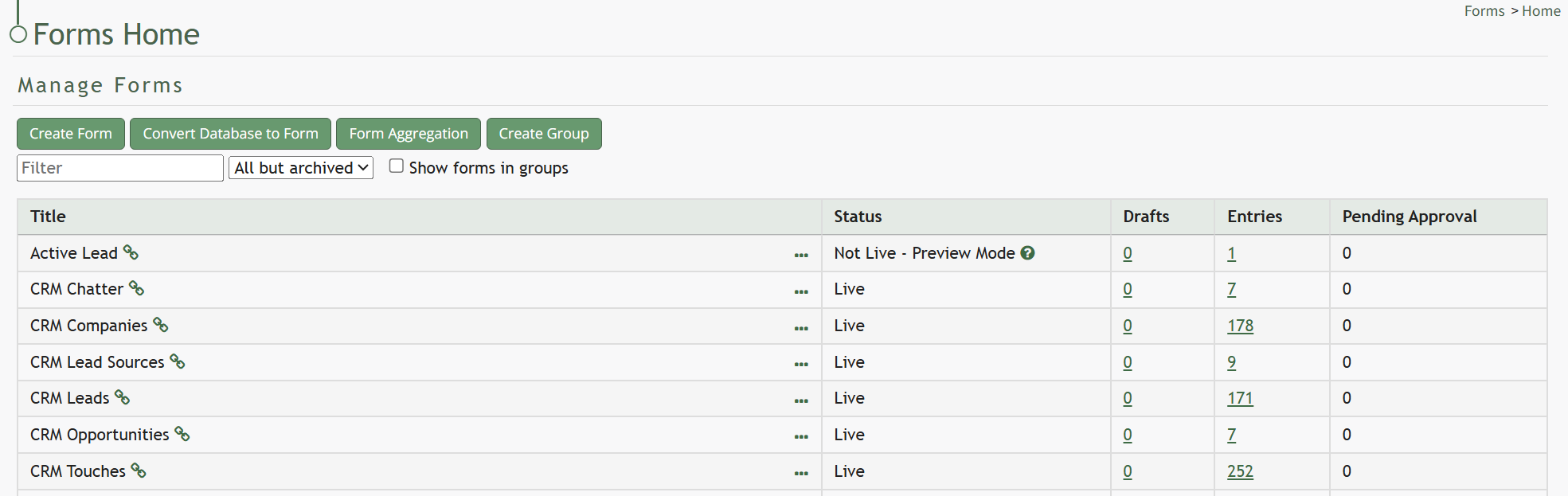
In order for forms to be placed into groups, form groups have to be created first.
How To: Add a Forms Group
{{@374}}
Clicking the three-dot icon to the right of the Form Title opens the Form Table Context Menu.
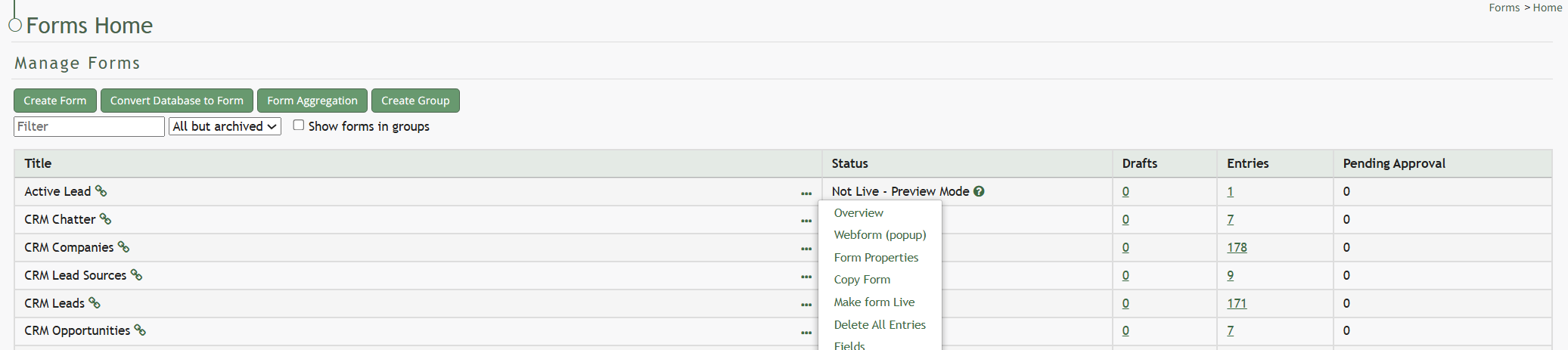
Select the Form Properties option to open the Form Properties Modal.
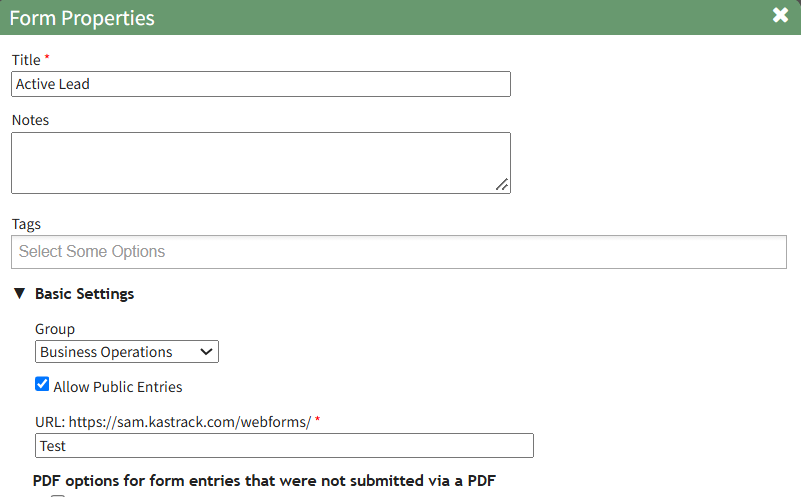
The Form Group can be edited by selecting the Group in the Basic Settings Section from a dropdown menu.
When groups have been added to the Forms Module, the Forms Table on the Home Page is broken into different sections for each group. Clicking the Show Forms in Groups Checkbox will reorganize the Home Page.
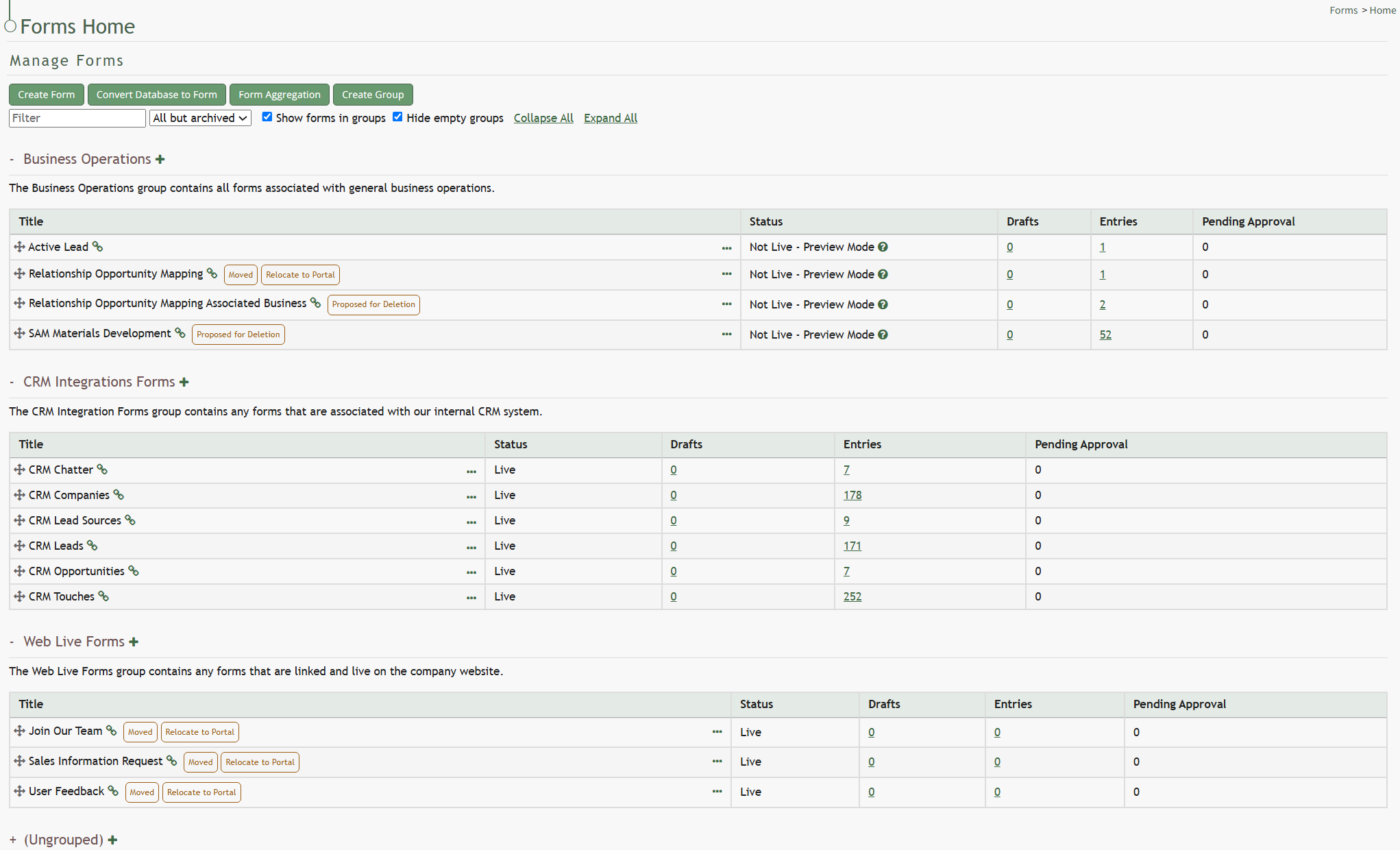
To place forms into groups, drag the form by the directional arrow to the left of the Form Title into the desired Group Table.