
Access Course Stats

access the stats associated with a specific course, open the Courses Module Home Page from the Main Menu. Existing courses are listed alphabetically in the table underneath the “New Course” button according to title.

To manageview a pre-existingcourses course,stats, select the three dot (…) icon to the right of the title and make a selection from the context menu.
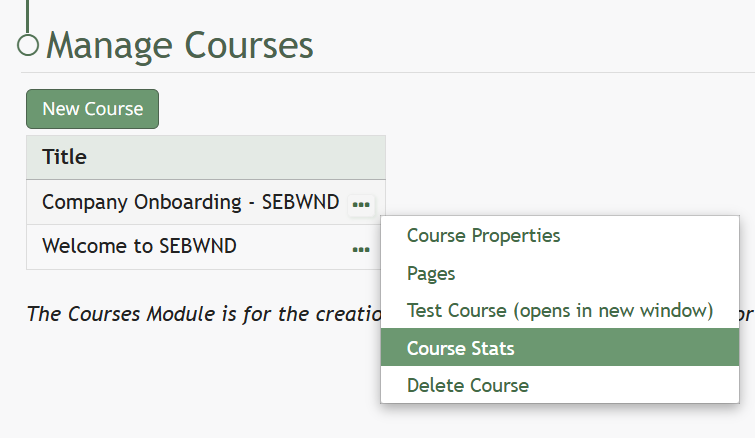
“Course Stats” opens a page titled Stats for Name of Course that displays the records of every user’s test taking attempts.