
Understanding Form Aggregations
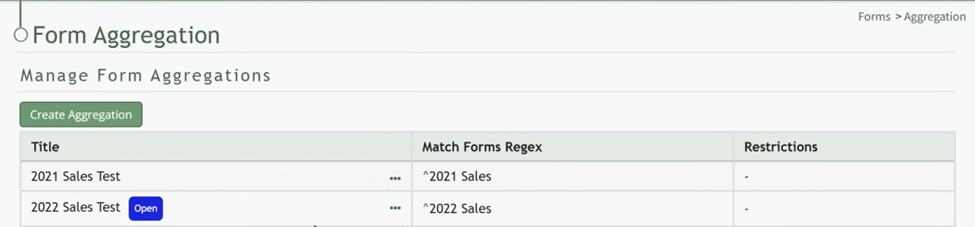
Aggregation Context Menu Explanation | |
Option | Explanation |
Run Report | Selecting “Run Report” from the context menu will run the aggregation report, opening the report of the data aggregated from the forms in the same tab. |
Edit Aggregation | Selecting “Edit Aggregations” from the context menu will open the Edit Form Aggregation Modal allowing you to make desired changes to the form aggregation. |
Delete Aggregation | Selecting “Delete Aggregation” from the context menu will open the Deletion Confirmation Modal which states the aggregation title and asks, “Are you sure you want to delete this Form Aggregation?” |