
Form Settings Page
Module Levels Tab
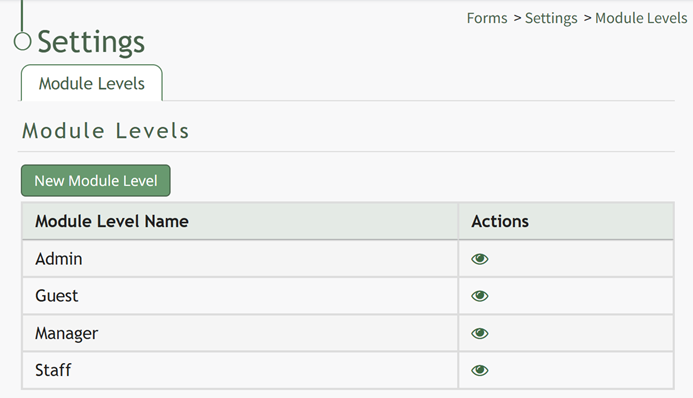
Forms Module Module Level Permissions Table | |
Module Level | Permissions |
Admin | Convert database to from, delete, add form, Customform (delete / edit / view / upload pdf / list / delete all customform, manage submissions, change status, design, download pdf), Admin (manage roles), Distribute, Create Form, View Submissions, Can Skip Payments, Can Edit Payment Form Entries, Formgroup (list / add / edit / delete / view formgroup) |
Guest | Customform (view / list customform, download pdf), View submissions |
Manager | Add form, Customform (edit / view / upload pdf / list customform, manage submissions, design, download pdf), Create Form, View Submissions |
Staff | List Customform, View Submissions |
Module Level Customization Icons | |
Icon | Explanation |
| The eyeball icon allows you to view users assigned to the module level as well as the permissions assigned to them. |
| The bulleted list icon allows you to assign permissions to customized module levels. |
| The pencil icon opens the Edit Module Level Modal. |
| The trashcan icon opens the Delete Module Level Confirmation Modal. |


