Form Groups Page
The Groups Page in the Forms Module is accessible on the Main Menu. The Groups Page is utilized for organizational function and allows forms to be grouped together for efficiency and ease of use.
New Groups are created on the Manage Groups Page by clicking the New Group button.
How To: Add a Forms Group
{{@374}}
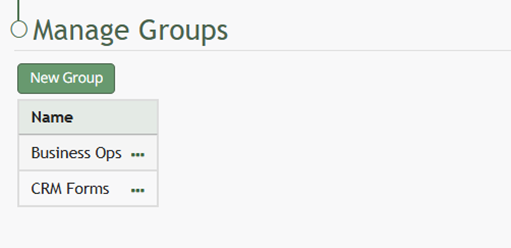
Table on the Manage Groups Page lists all groups in alphabetical order. When clicked, the three-dot icon to the right of the group name opens a context menu. The options included in the context menu are explained in the table below.
Groups Table Context Menu Option Explanations | |||
Option | Explanation |
| |
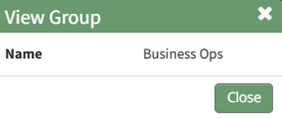
View Group | Selecting View Group from the context menu opens the View Group Modal that states the group name. |
| |
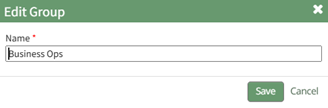
Edit Group | Selecting Edit Group from the context menu opens the Edit Group Modal that allows an individual to change the group name. |
How To: Edit a Forms Group{{@397}} | |
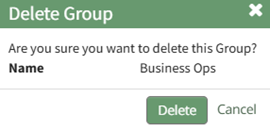
Delete Group | Selecting Delete Group from the context menu opens the Delete Group Confirmation Modal, which, when confirmed, will delete the group. |
How To: Delete a Forms Group{{@391}} | |