
Form Fields Tab
When a form is in Live Status, you will be required to select a checkbox to enable editing of the form. You will not be able to access the Fields Tab and make changes until you do so.
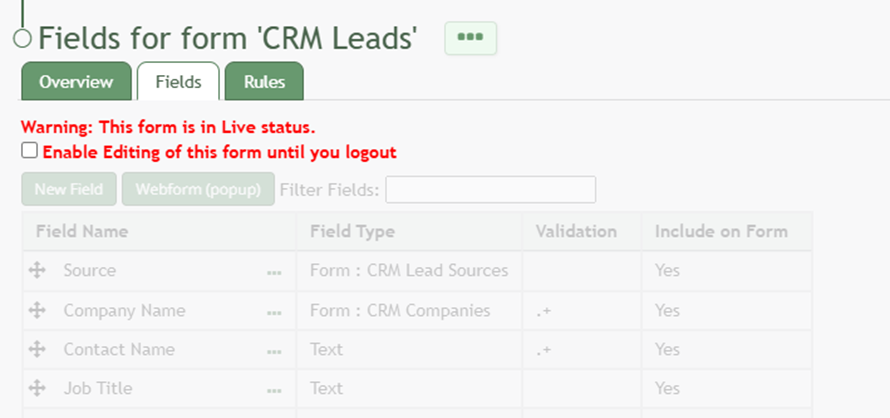
Selecting “Fields” from the Forms Table context menu will open a form’s Field Tab that contains the Fields Table. The Fields Table shows existing fields in the Form. Fields can be filtered for efficient access. The Fields Tab is where new fields can be added to your Form.
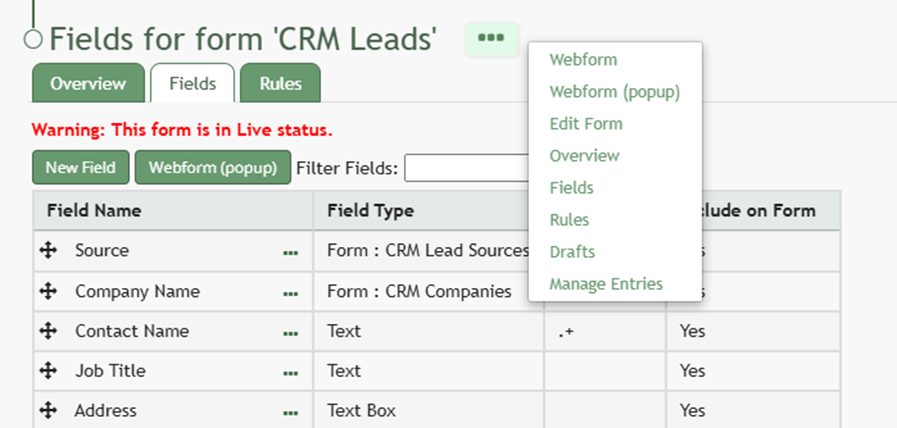
The three dot icon to the right of the Rules Page header opens a context menu with options to view the Webform, the Webform (popup), Edit Form, Overview, Fields, Rules, Drafts, and Manage Entries.
WIKI LINK HOW TO: ADD FIELDS TO A FORM