
Dispatch Settings: Approver Filtering Tab
The Approver Filtering Tab of the Settings Page in the Dispatch Module is where users and certification roles can be identified as potential approvers before a dispatch status change.
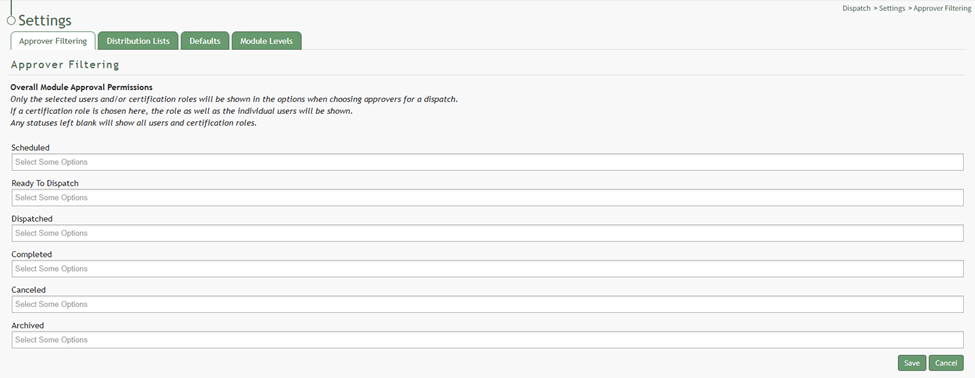
The People or Certification Roles selected under each status (scheduled, ready to dispatch, dispatched, completed, canceled, archived) will be the options available on the dropdown menu when choosing approvers for a dispatch.
If a certification role is chosen for overall module approval permissions, the role as well as the individual users will be shown. If you leave a status blank, the dropdown menu will show all users and certification roles.
To customize the users and certification roles visible in the dropdown menu when selecting approvers for a dispatch status, update the Approver Filtering Tab. WIKI LINK HOW TO EDIT USERS AND CERTIFICATION ROLES AVAILABLE AS DISPATCH APPROVERS