
An Action's Details Page
Clicking an action title on the Actions Module Home Page or on an Action Group Summary Page will open an action's Details Page.
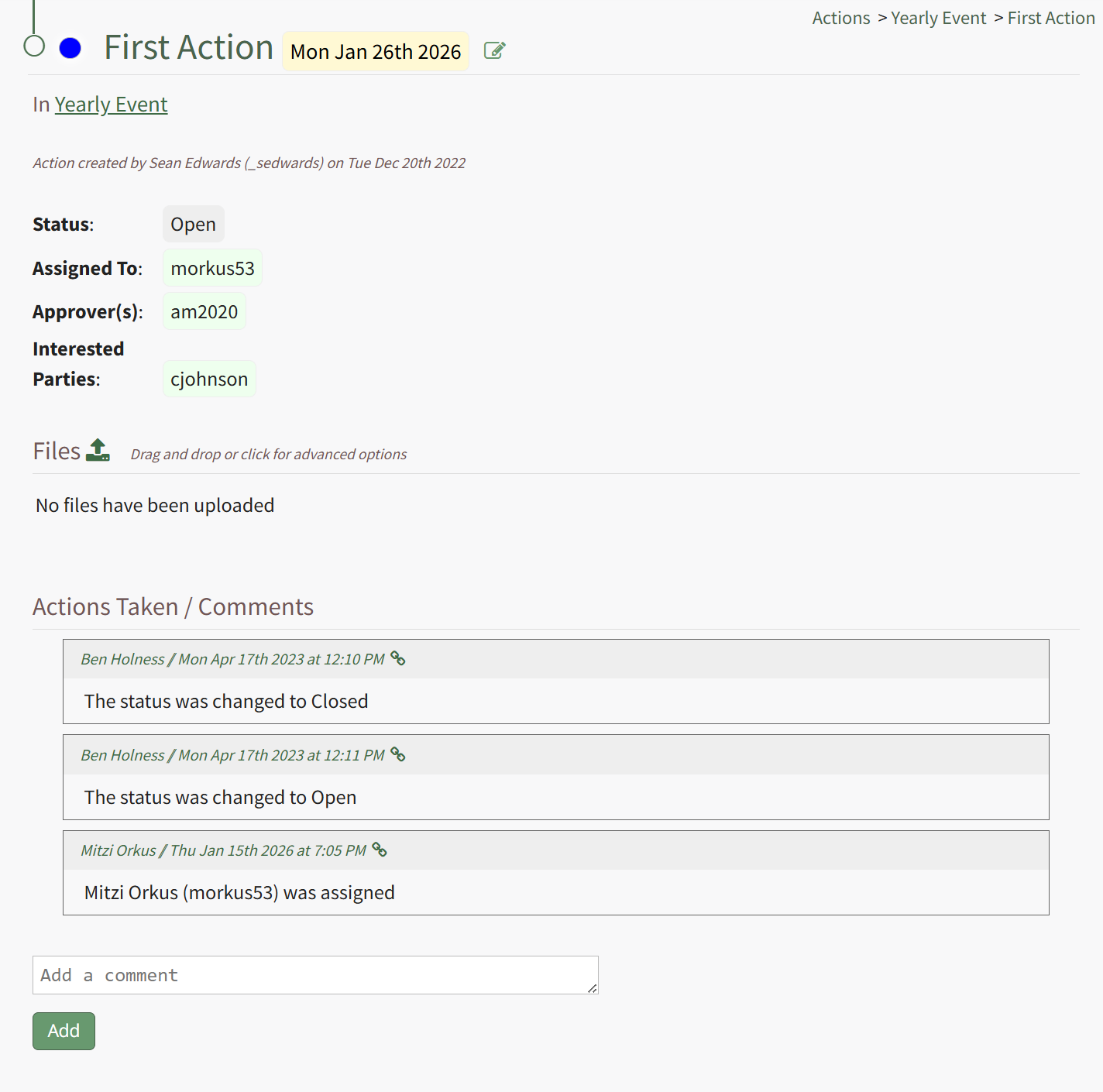
To the left of the action title on the asset's Details Page header row, an icon indicates the action's workflow status. To the right of the action title is the due date of the task. A Page/Pencil Icon can be clicked, opening the Edit Action Modal where key action information can be updated.
Any files uploaded to the action will show on the Details Page, as well as a history of actions taken and comments made.