
Action Groups: An Action Group Page
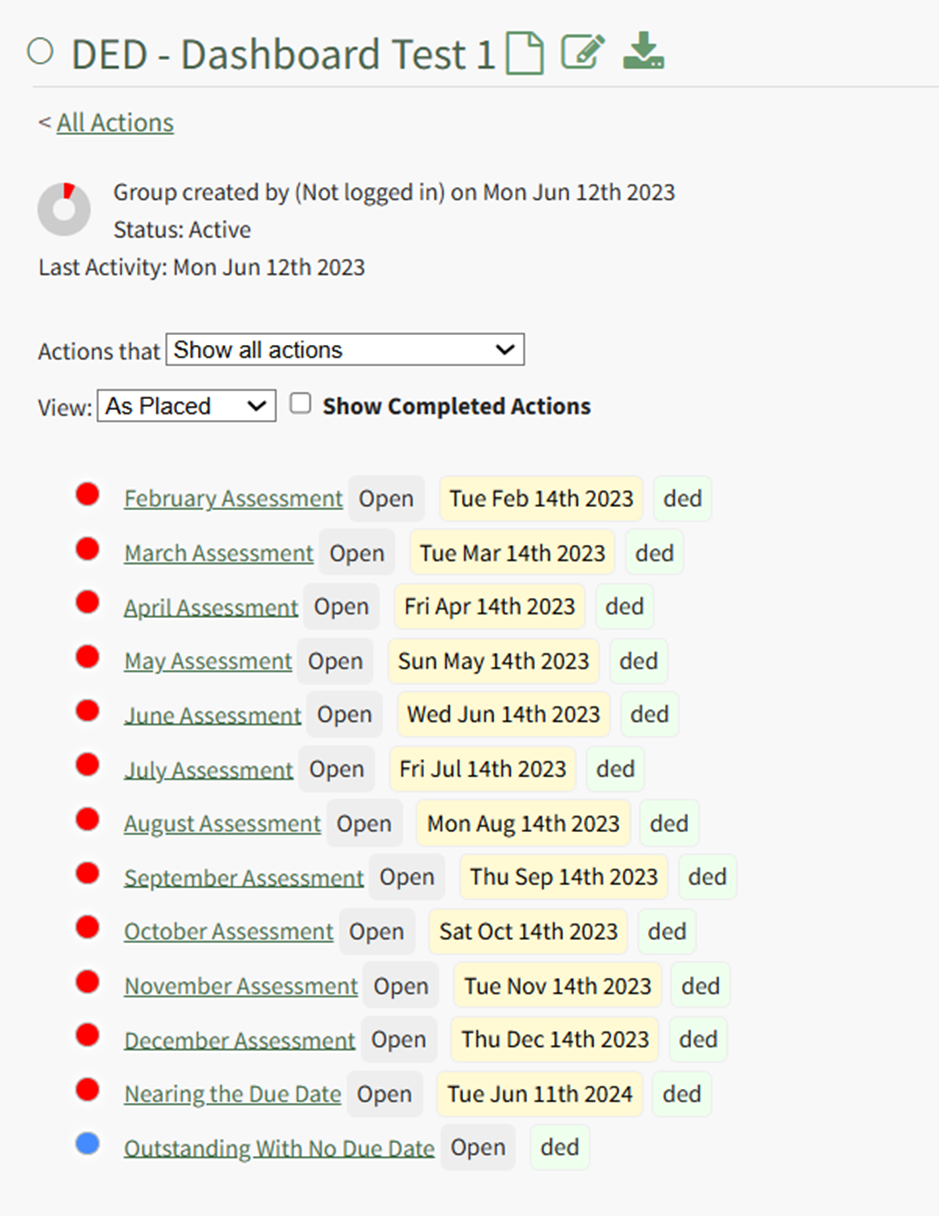
Action Group Page Icon Explanations | |
Icon | Explanation |
| Hovering the cursor over the Page Icon opens a context menu that displays quick link icons with options to create a new action or bulk import new actions. WIKI LINK HOW TO CREATE A NEW ACTION WIKI LINK HOW TO IMPORT BULK ACTIONS |
| Selecting the Edit Icon opens the Edit Action Group Modal. WIKI LINK HOW TO EDIT AN ACTION GROUP |
| Selecting the Export Icon automatically downloads a .csv file of all actions associated with the action group to your personal device. WIKI LINK HOW TO EXPORT ACTIONS IN A CSV FILE |



Action Module Legend - Actions Color Coding | |
Icon | Explanation |
| The color green indicates that the action has been completed. |
| The color sky blue indicates that the action is outstanding with no due date. |
| The color blue indicates that the action is outstanding. |
| The color yellow indicates that the action is nearing its due date. |
| The color red indicates that the action is overdue. |
| The color purple indicates the action group is past the number of days of inactivity that was established for the action group. It is never used as an indicator for an individual action. |


