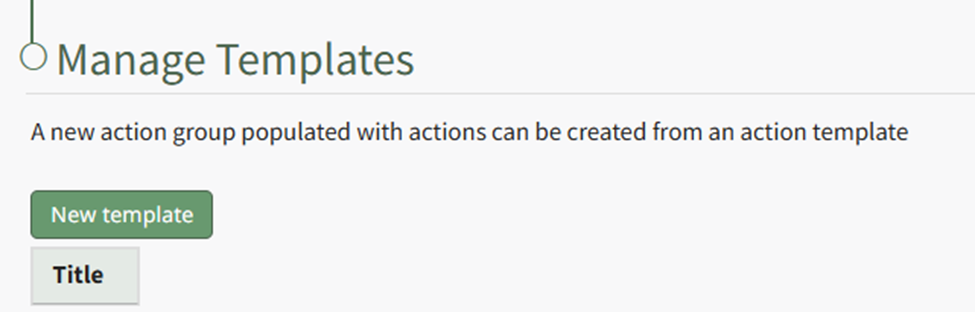
Actions Templates Page
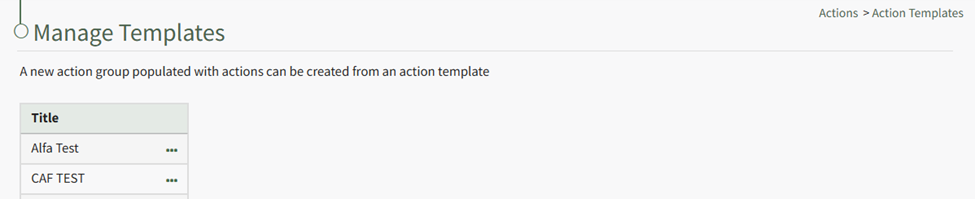
Template Context Menu Option Explanation | |
Option | Explanation |
View | Selecting View from the context menu opens the View Template Modal which states the template id number, title, description, and budget amount. |
Actions | Selecting Actions from the context menu opens the Manage Actions Groups Page. |
Edit | Selecting Edit from the context menu opens the Edit Template Modal, which allows the Action Group Template to be edited. |
Copy | Selecting Copy from the context menu opens the Copy Modal, which allows the new template to be renamed before being saved. |
Progress | Selecting Progress from the context menu opens a new page which shows the completion percentage of the action group template. |
Delete | Selecting Delete from the context menu opens the Delete Template Modal, which states the Title of the Template you are confirming deletion for. The template is permanently deleted through confirming this modal. |
If your user account has the appropriate permissions,