
Actions Settings Page: Budget Approvers Tab
The Budget Approvers Tab allows for the designation of the individuals who will have permission to authorize the budgetary items that KAStrack tracks for Action Groups.
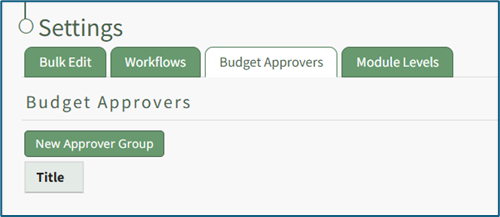
Selected budget approvers will appear according to their given title in a table under the Budget Approvers tab.
The Budget Approvers receive notifications when 1) a budget item receives all required approvals and 2) when a budget item has been rejected that can be customized on this tab.
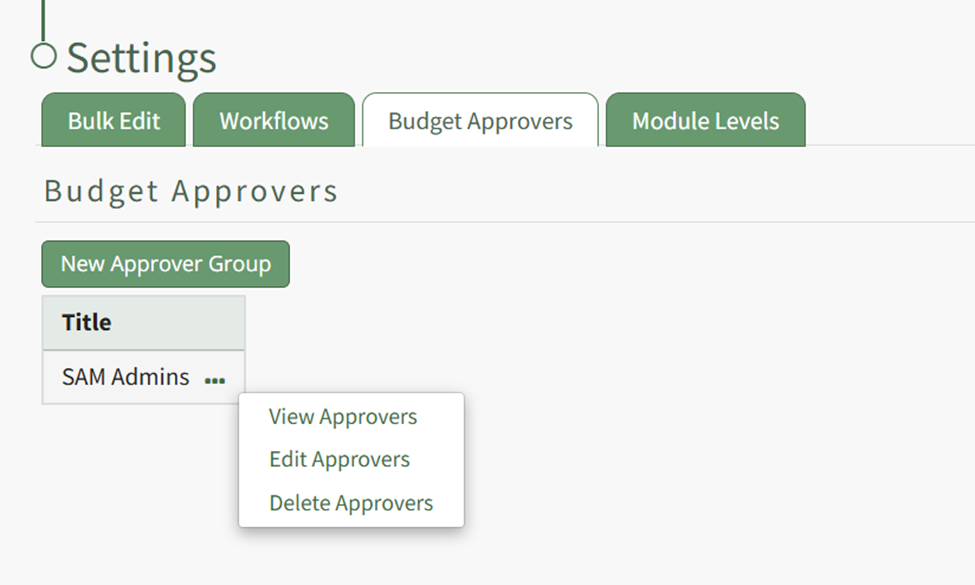
Select the “New Approver Group” button to create new budget approval groups. WIKI LINK HOW TO CREATE A NEW BUDGET APPROVER GROUP
How To: Create a New Budget Approver Group
{{@617}}
Clicking the three three-dot icon to the right of the budget approval group title will open the Budget Approvers Content Menu. The options in that menu are explained on the table below.
Budget Approvers Tab Context Menu Option Explanation Table | |
Option | Explanation |
View Approvers | Selecting the "View Approvers" option opens the View Budget Approver Modal which states the Budget Approver Group ID number and title. |
Edit Approvers | Selecting the "Edit Approvers" option opens the Edit Budget Approver Modal where notifications and budget approver information can be altered. |
Delete Approvers | Selecting the "Delete Approvers" option opens the Delete Budget Approvers Confirmation Modal, which states the title of the budget approver group being deleted and asks for confirmation before permanent deletion. |