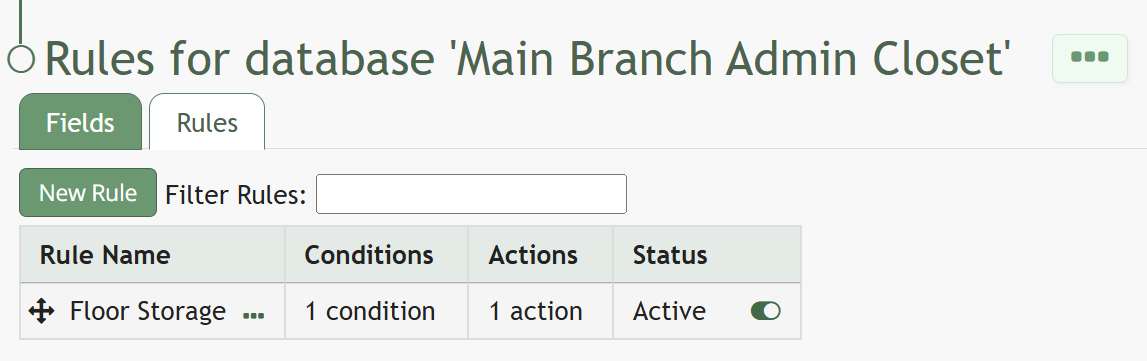
Edit the Status of a Database Rule
To change the status of a database rule, go to the Home Page in the Database Module.
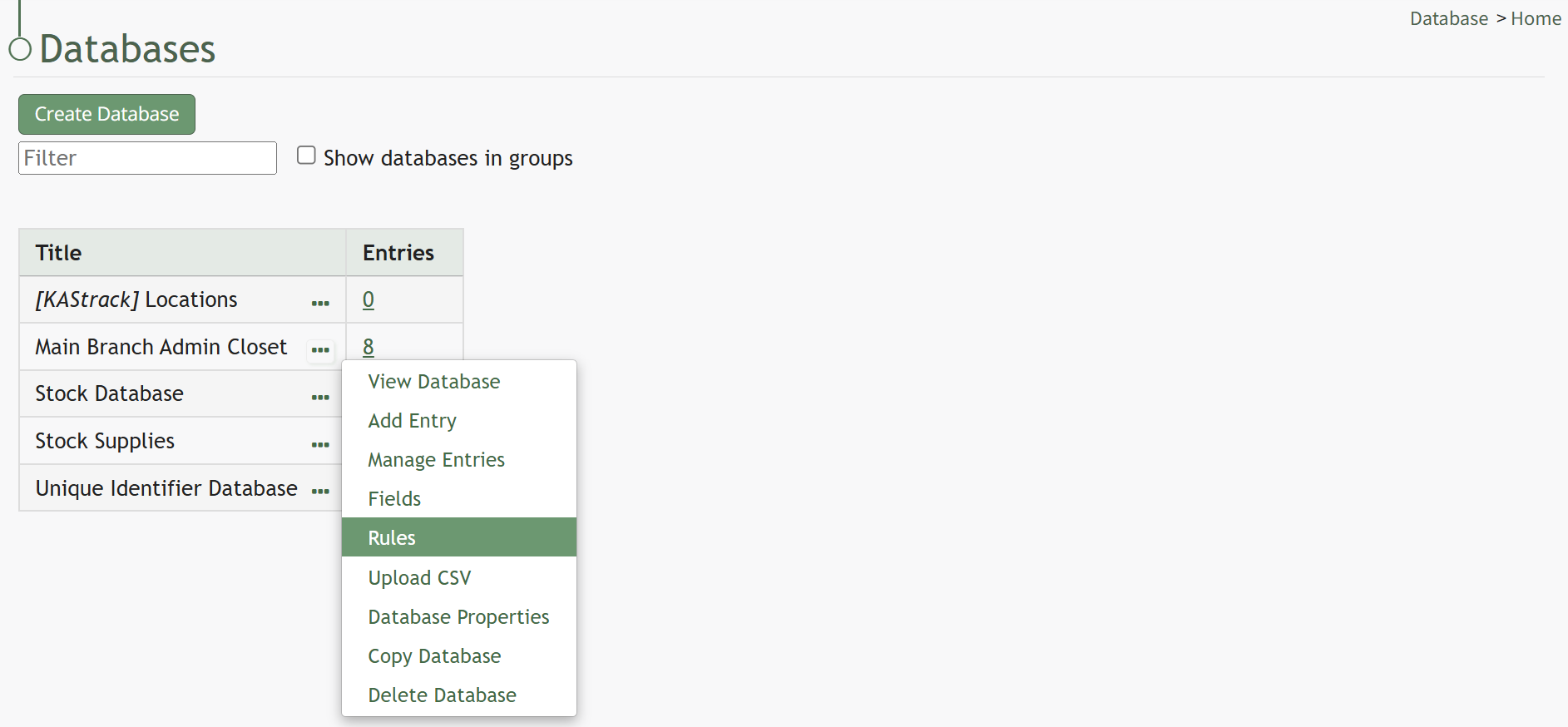
Click the three dot (…) icon to the right of the database you want to edit to open the context menu. Select “Rules” opening the Rules Tab that contains the Rules Table.
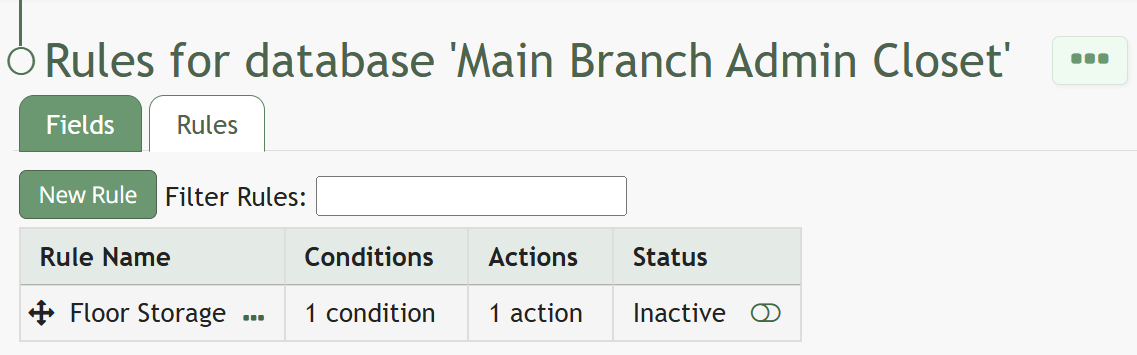
To the right of an entry’s status is an icon. Click it and it will change and active status to inactive (and vice versa).