Edit Account Field Restrictions for Customized Module Levels
To edit account field restrictions for a customized module level, go to the Access Levels Tab in the Site Setting Module through the Main Menu.

Click Accounts under the Access Levels header.

This opens the Accounts Module Level Table.
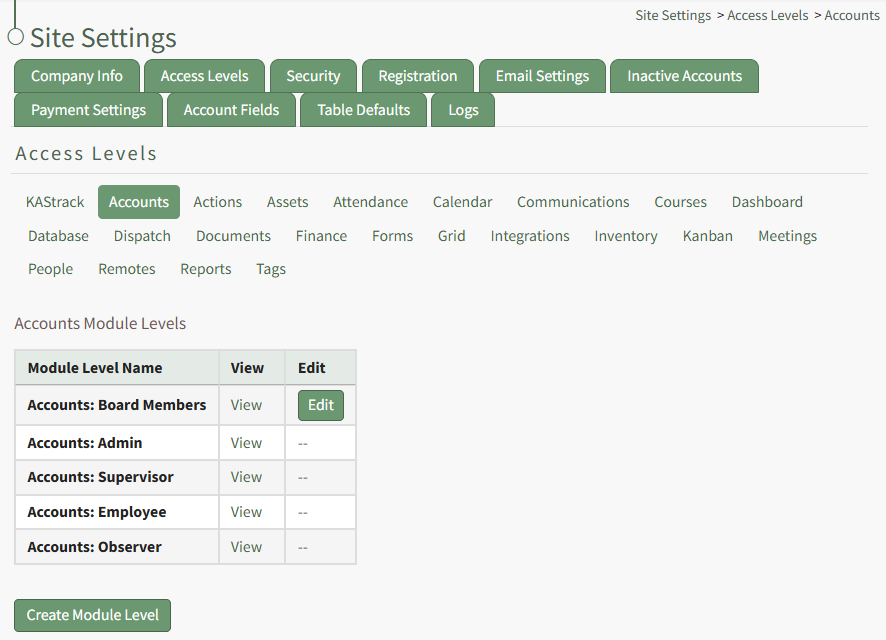
Click the Edit Button to the right of the module level whose account field restrictions you wish to edit opening the Edit Accounts Module Level Page in Site Settings.
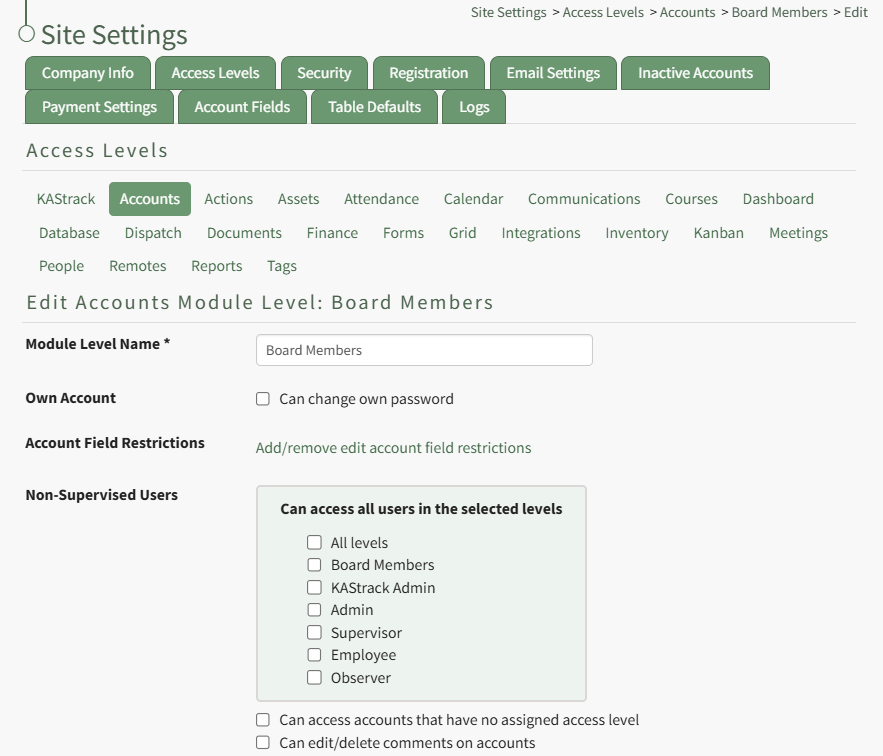
Click the link to "Add/remove edit account field restrictions" opening the Edit Field Restrictions Modal.
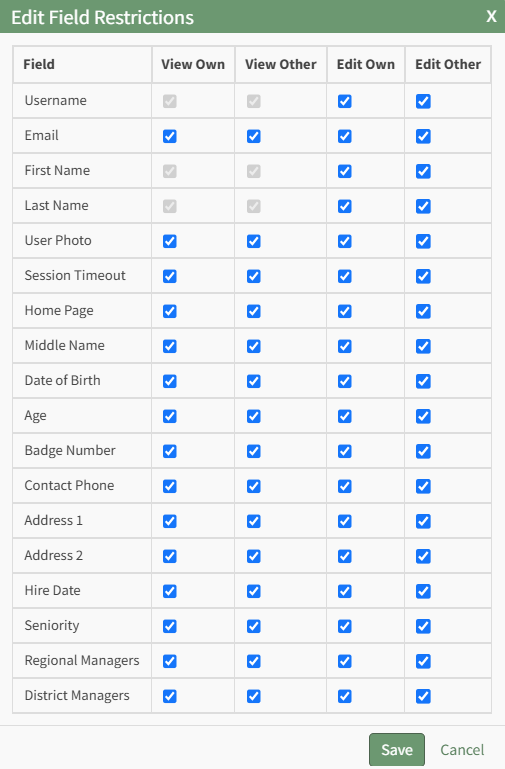
Make the desired field restriction changes and select the "Save" button.