Create a New Module Level (Attendance Module)
To create a new module level for the Attendance Module, open the Access Levels Tab in the Site Settings Module from the Main Menu and select the Attendance tab under the Access Levels Header.
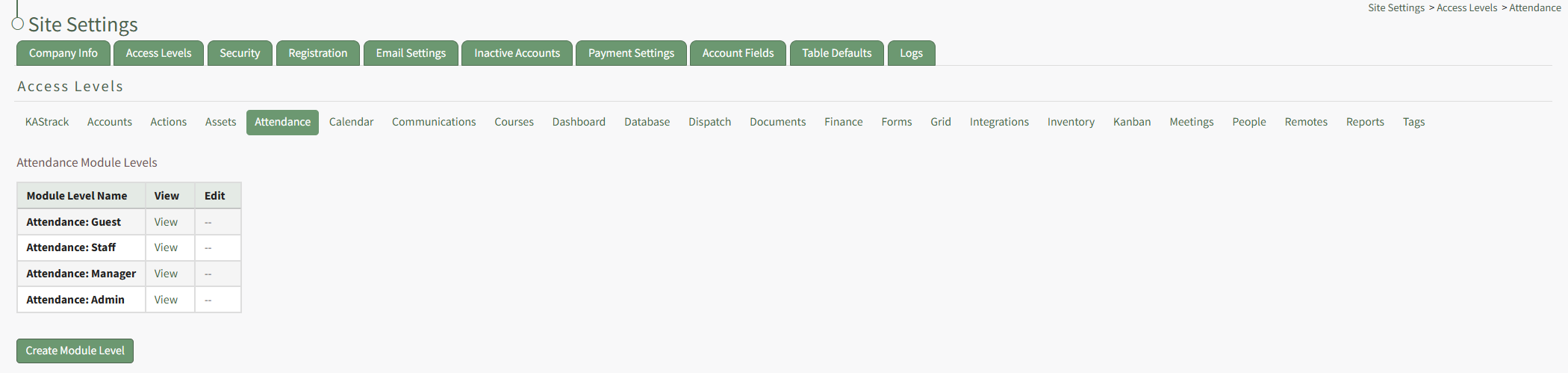
This opens the Attendance Module Levels Table. Click the "Create Module Level" button, opening the Attendance Module's Manage Module Levels page.
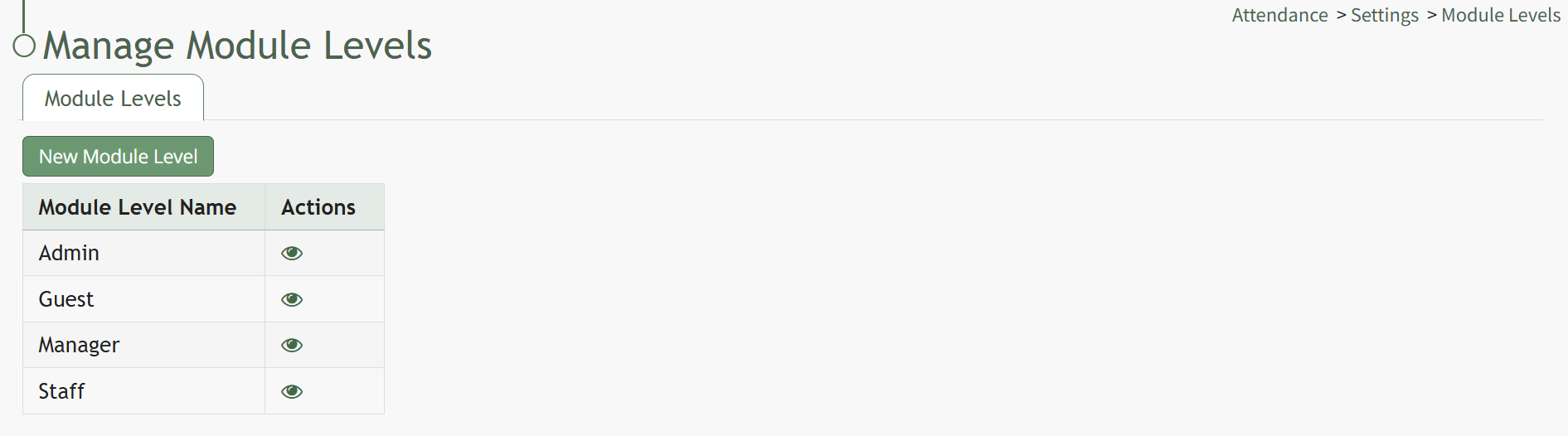
Click the "New Module Level" button opening the New Module Level Modal.
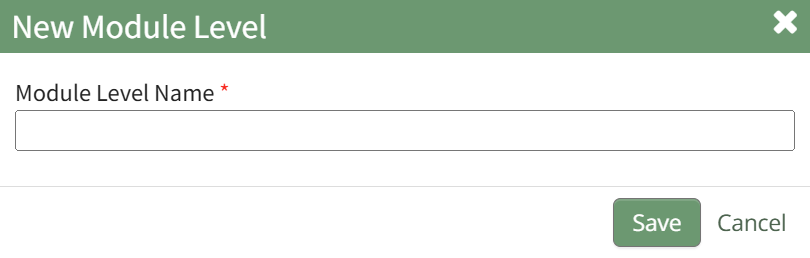
Input the title for the new module level and click the Save button.
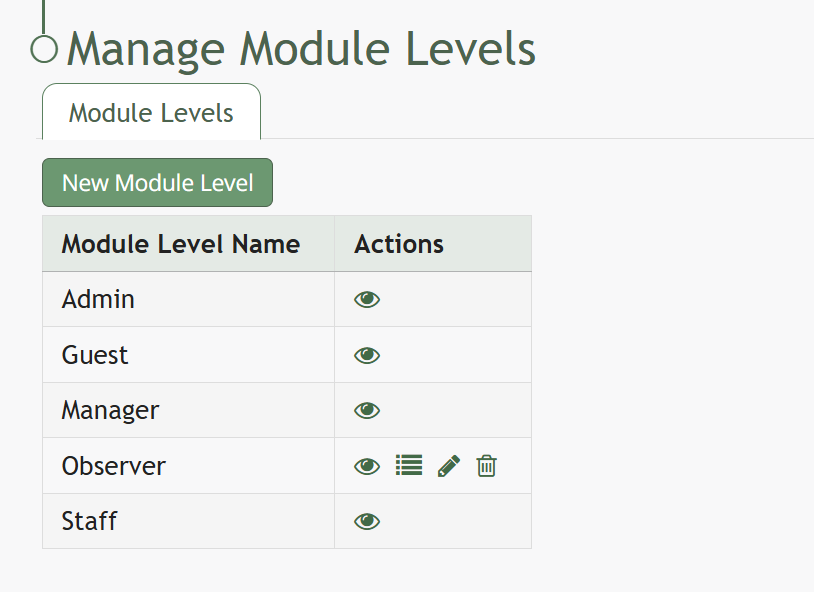
Click the bulleted list permissions icon in the Actions Column of the Module Level Table opening the Permissions Modal. Click the plus sign icons to expand the permissions list. (Selecting the minus sign will collapse the list.)
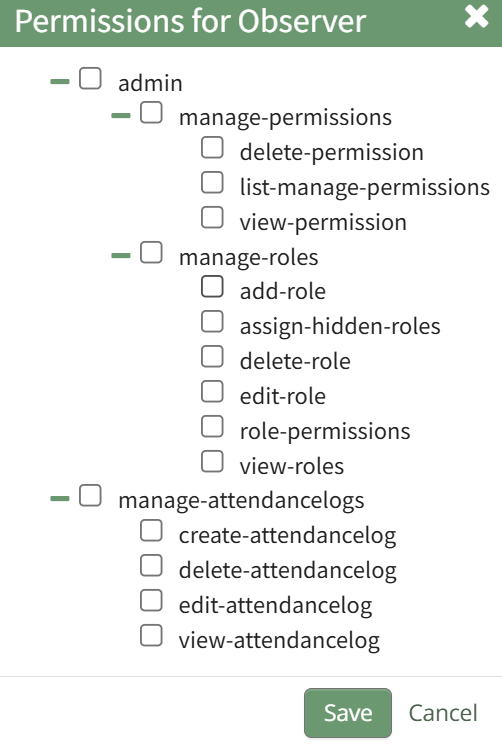
After selecting the appropriate permissions, click the Save button.

A pop-up will confirm that the permissions were saved.