Copy and Rename a Task Template
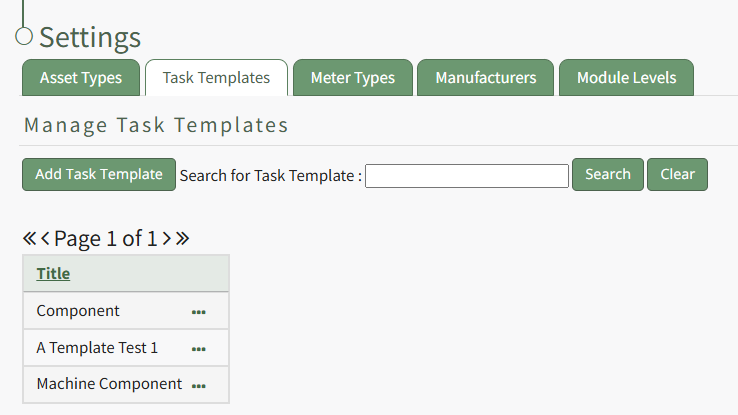
To copy and rename a task template, go to the Task Template Tab on the Settings Page of the Assets Module.
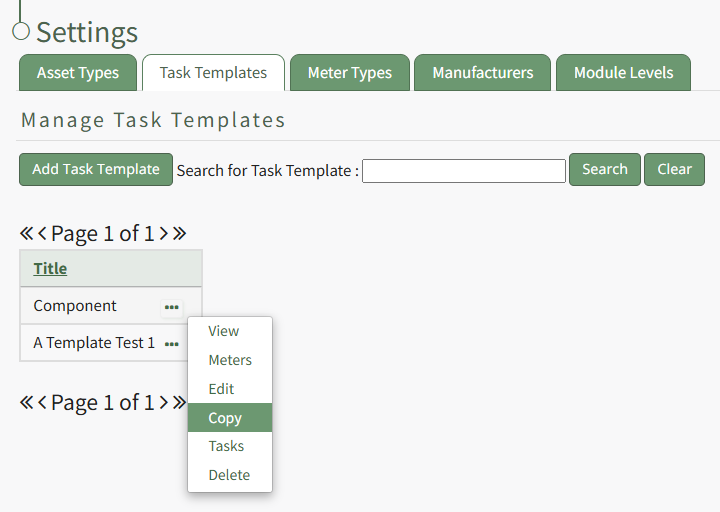
Select the three-dot icon to the right of the task template you wish to copy opening the Task Template Context Menu and select "Copy".
This opens the Copy Task Template Modal, where a title for the newly copied task template can be altered.
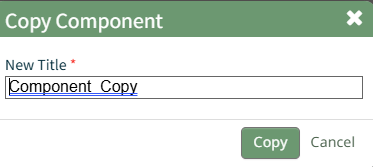
Select the "Copy" button and pop up confirms that the task template was copied.

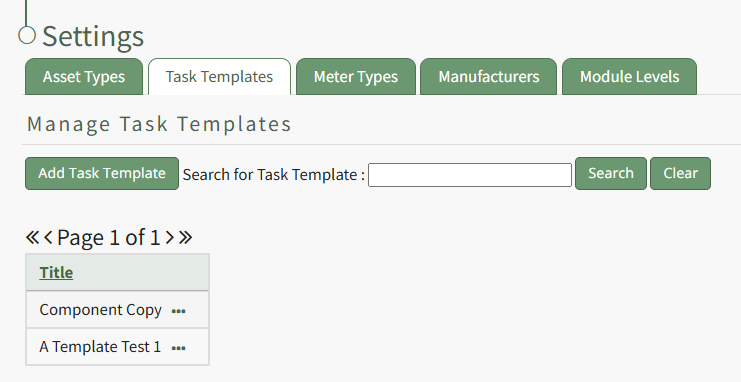
The new Task Template is now visible in the Task Template Table.