Copy a QR Code's Destination URL Link
To copy the Destination URL Link associated with a specific QR Code, open the QR Code Page in the Communications Module from the Main Menu.
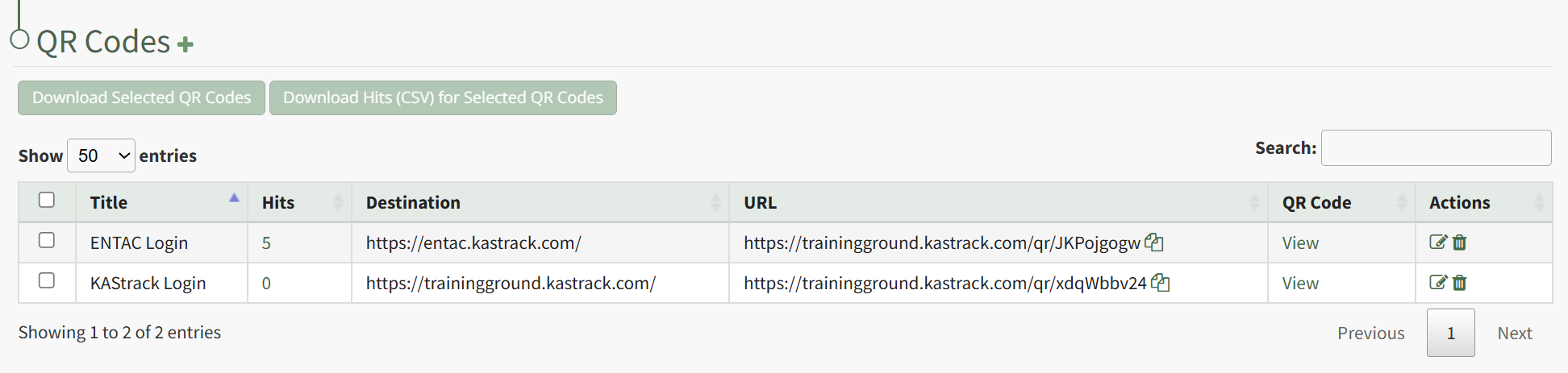
Click the double page icon to the right of the URL Link in the URL Column.
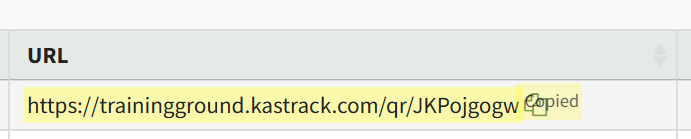
The URL Link is briefly highlighted, confirming that the link has been copied and is ready to be pasted as needed.