Attach a File to a System Message
To attach a file to a system message in KAStrack, open the Send Communications Page in the Communications Module on the Main Menu. After inputting all information, click the "Upload Files" button on the bottom left-hand side of the page.
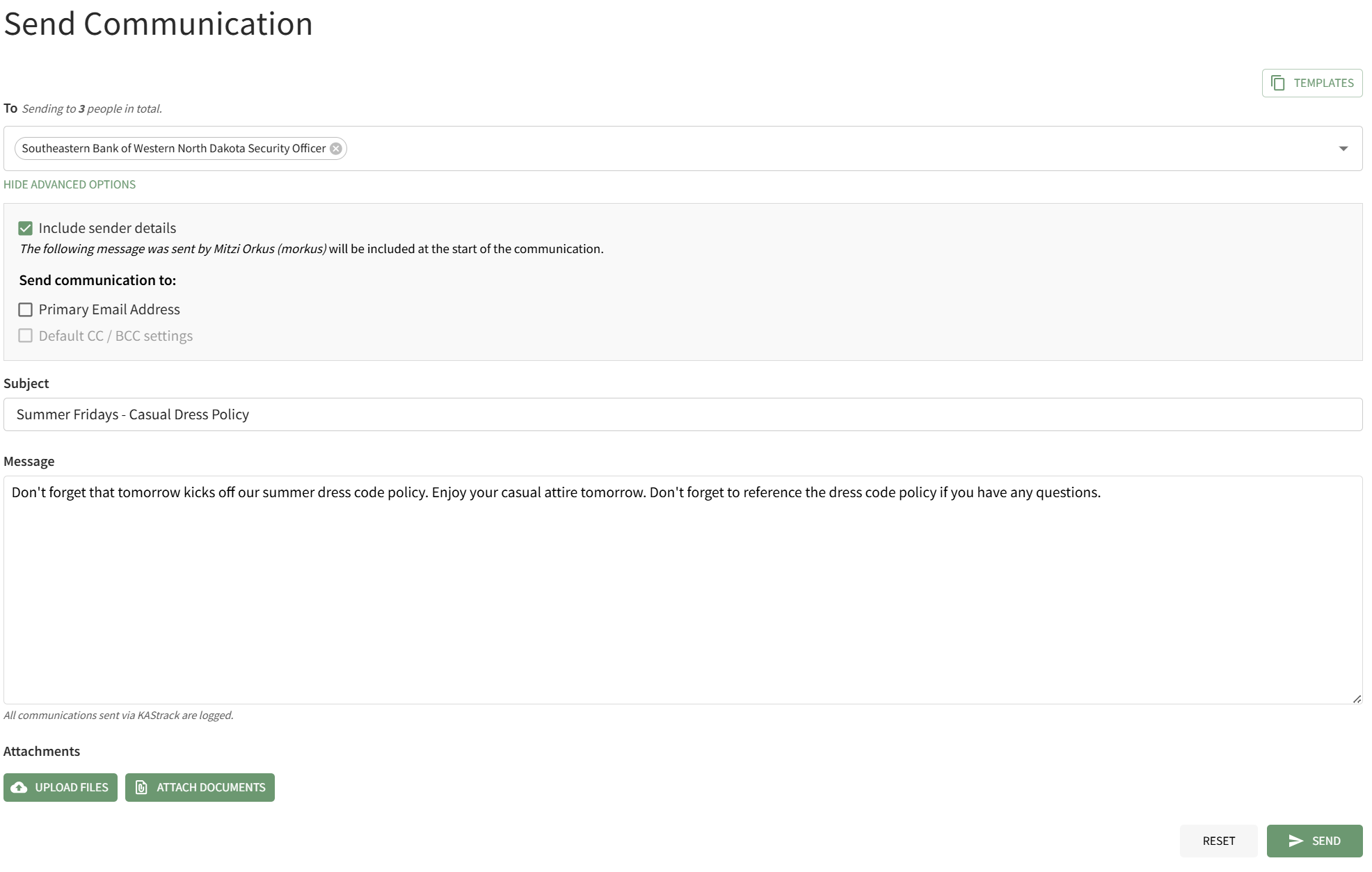
This will open your personal device so that you can access the file you wish to attach to the system message.
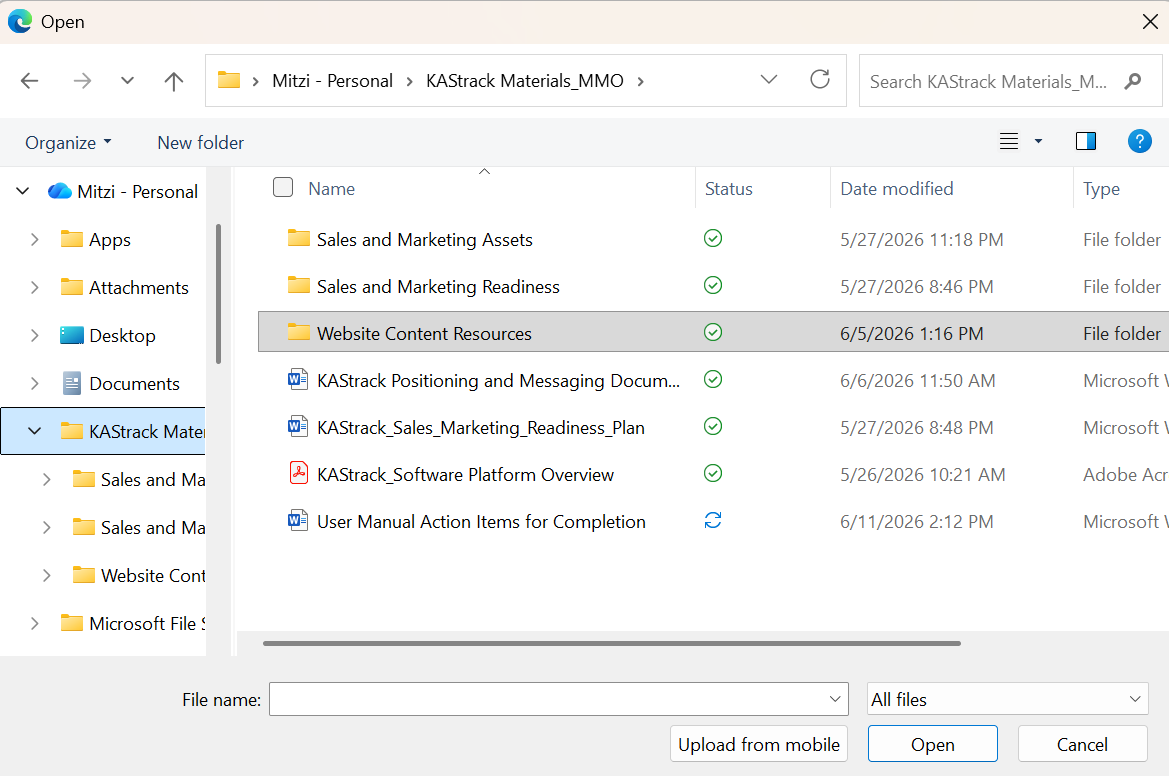
After selecting the appropriate file, it will be visible at the bottom of the Send Communications Page.
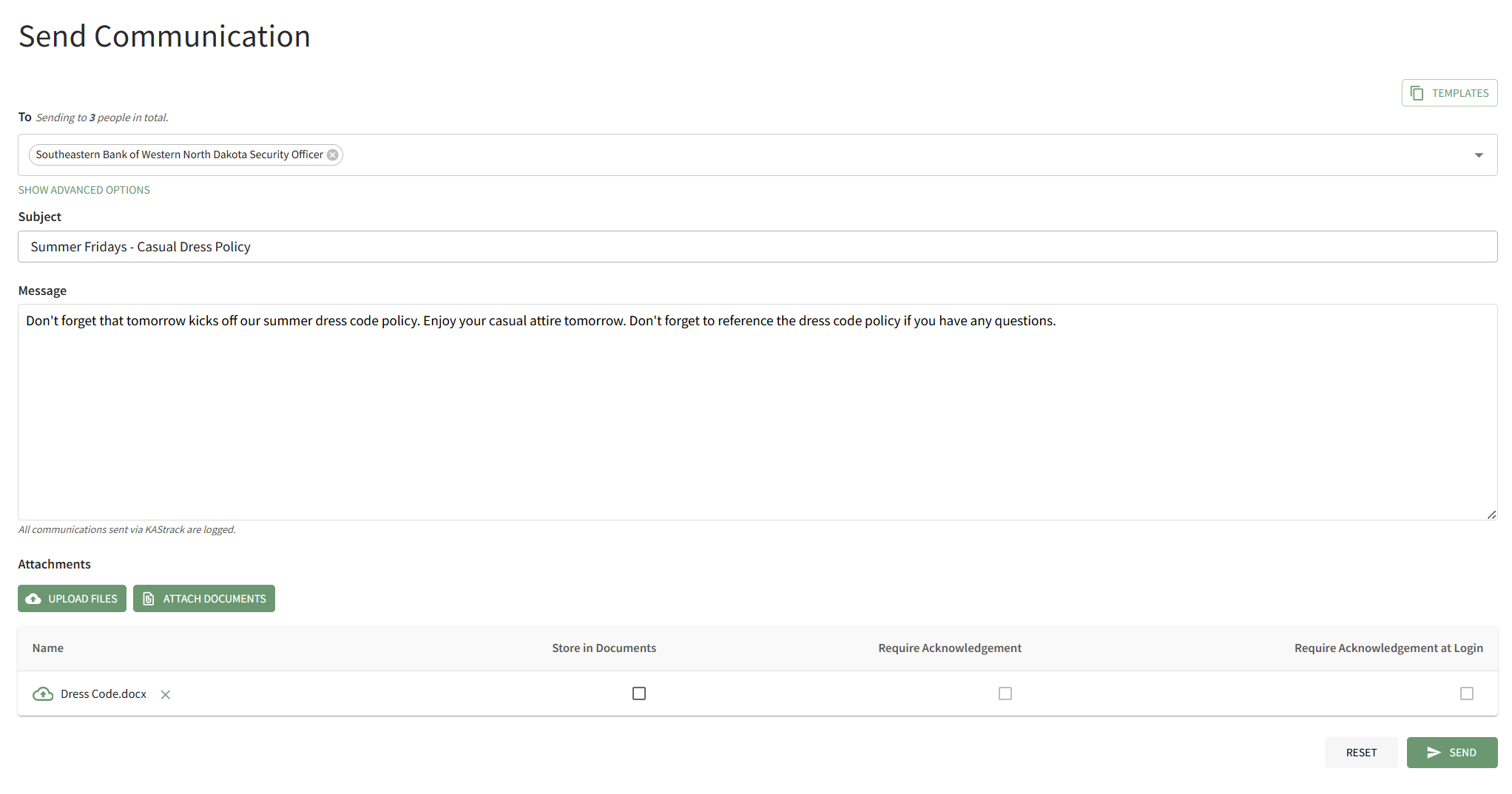
Checkboxes allow you to upload the file from your personal device to the Documents Module, to requirement acknowledgement of the document from the users who receive it, or to require acknowledgment of the document immediately when the user logs in to the system. After making the appropriate selections, press "Send" on the bottom right-hand corner of the page.