Add a Database Group
To add a database group, go to the Groups Page of the Database Module.
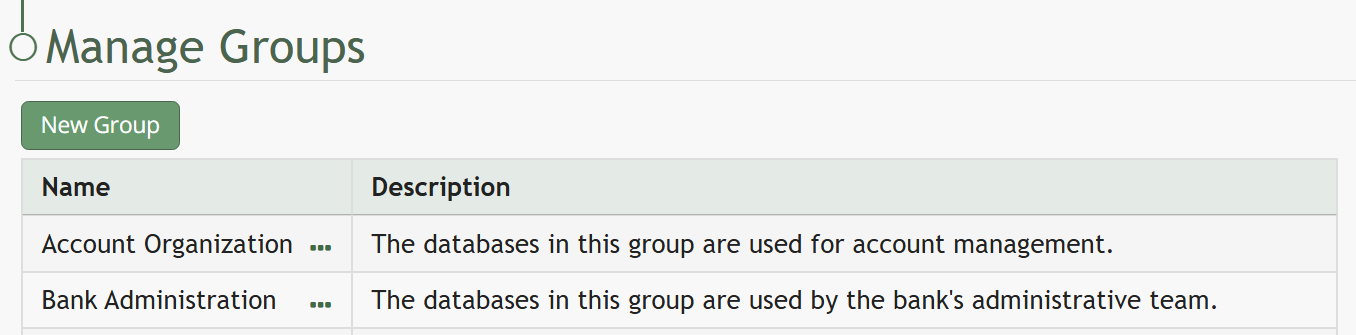
Select the “New Group” button opening the New Group Modal.
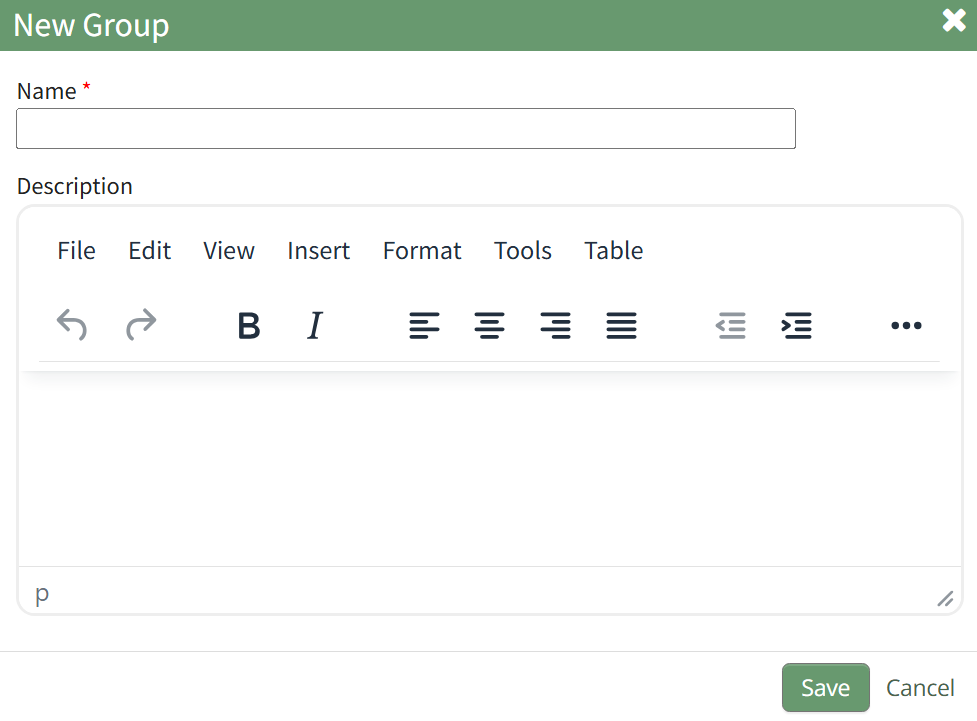
Input the desired name of the new group and a group description. Select the “Save” button.
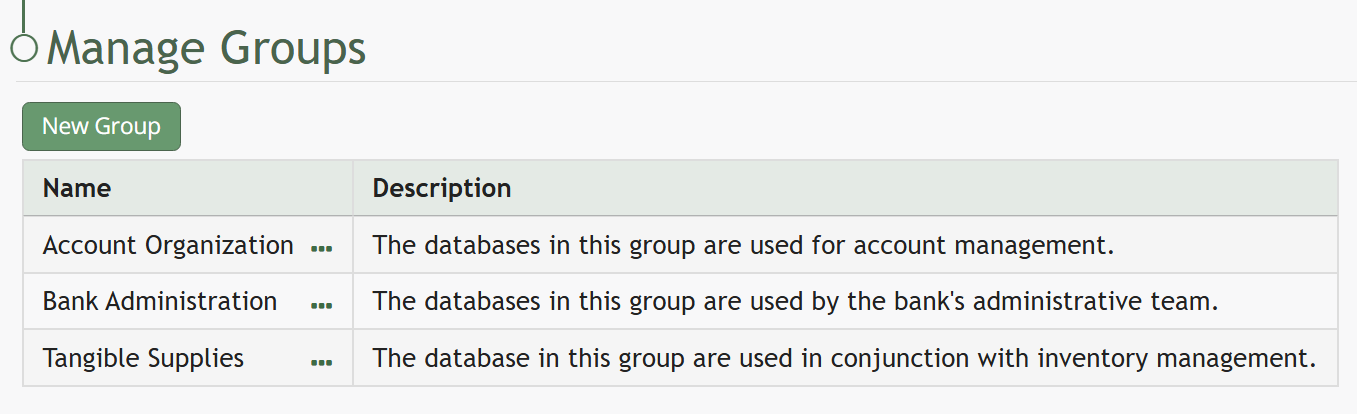
The new group will now show in the Group Table.