Access Course Stats
To access the stats associated with a specific course, open the Courses Module Home Page from the Main Menu. Existing courses are listed alphabetically in the table underneath the “New Course” button according to title.

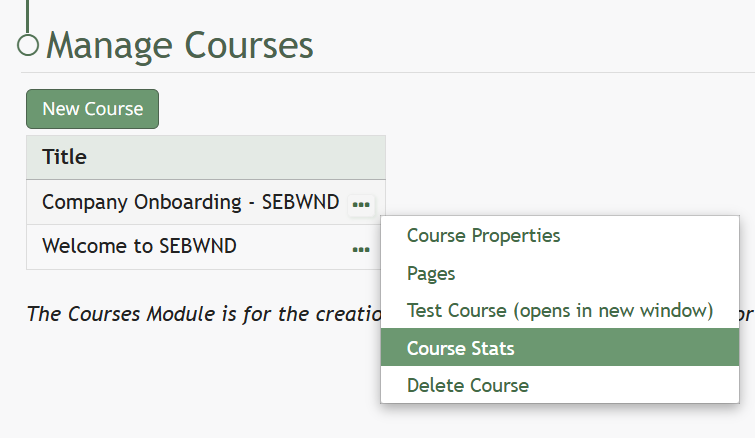
To view a courses stats, select the three dot (…) icon to the right of the title and select "Course Stats" from the context menu.
“Course Stats” opens a page titled Stats for [Name of Course] that displays the records of every user’s test taking attempts.
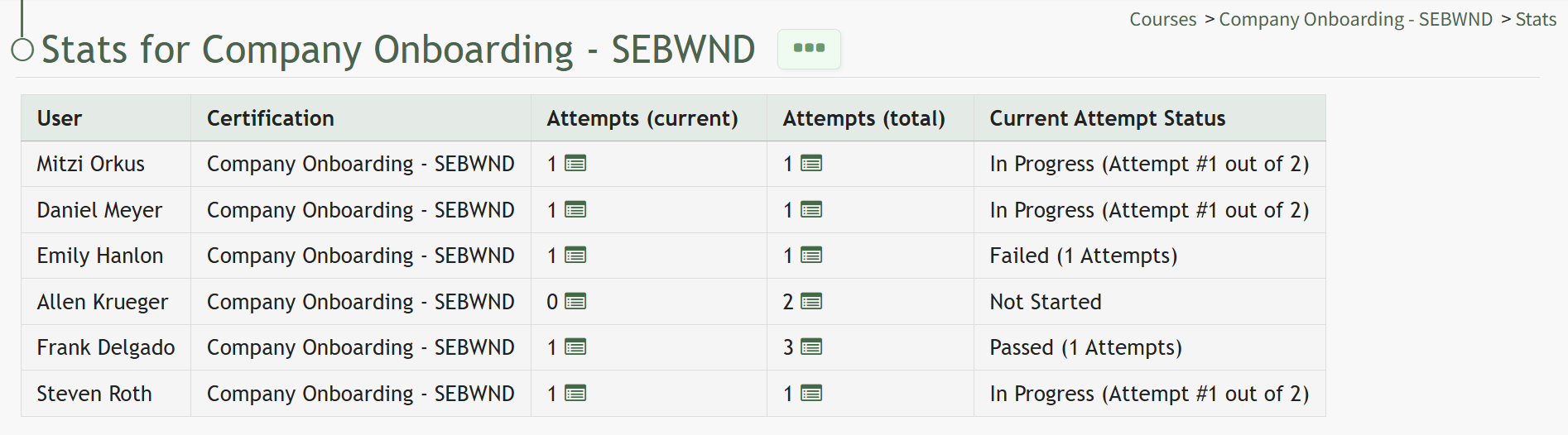
Clicking on the icon in the Attempts (current) Column or the Attempts (total) Column will open the Stats Modal for the selected individual.
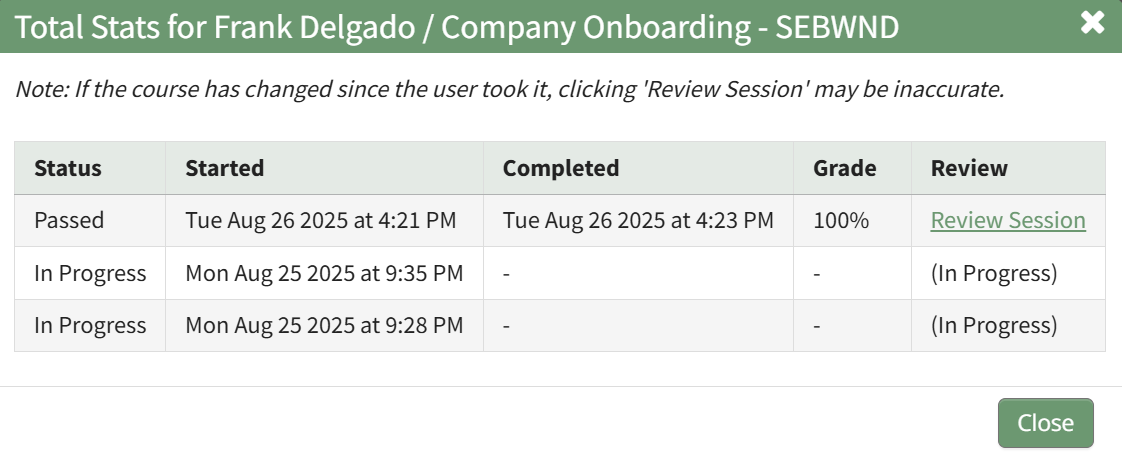
The clickable link in the Review Column opens the individual's Course Review Page, where specific questions and their answers can be reviewed.