# Accounts: Supplemental Resources

There are seven different email alerts associated with the Accounts Module.

# Account Module Email Alert Summary

<span style="white-space: pre-wrap;">Users can enable and set their own notifications preferences for system emails on the Notifications Tab of the My Accounts Page in the Accounts Module. </span>

<details id="bkmrk-how-to%3A-edit-your-in"><summary>How To: Edit Your Individual Email Report Preferences</summary>

{{@129}}

</details><table id="bkmrk-account-module-email"><colgroup><col style="width: 295px;"></col><col style="width: 272px;"></col></colgroup><tbody><tr><td colspan="2">**Account Module Email Alerts Summary Table**

</td></tr><tr><td>**Email Alert**

</td><td>**Digestible**

</td></tr><tr><td>Account Deactivated

</td><td>Can be sent via digest

</td></tr><tr><td>Account Inactivity Warning

</td><td>Can be sent via digest

</td></tr><tr><td>Password Changed

</td><td>Sent in Real Time Only

</td></tr><tr><td>Password Reset

</td><td>Sent in Real Time Only

</td></tr><tr><td>Account Role or Certification Red Warning

</td><td>Can be sent via digest

</td></tr><tr><td>User Registration

</td><td>Sent in Real Time Only

</td></tr><tr><td>Welcome Email

</td><td>Sent in Real Time Only

</td></tr></tbody></table>

<p class="callout info"><span style="white-space: pre-wrap;">Administrators can update the system default settings (including whether they are sent in real-time or digestible) for alert emails on the Settings Page of the Communications Module. </span></p>

# Complete List of Account Module How Tos

{{@28}}

# Customizable Tables in the Accounts Module

There are three tables in the Accounts Module than can be customized for your organization's specific needs.

[![image.png](https://kaswiki.kastrack.com/uploads/images/gallery/2026-01/scaled-1680-/HT9image.png)](https://kaswiki.kastrack.com/uploads/images/gallery/2026-01/HT9image.png)
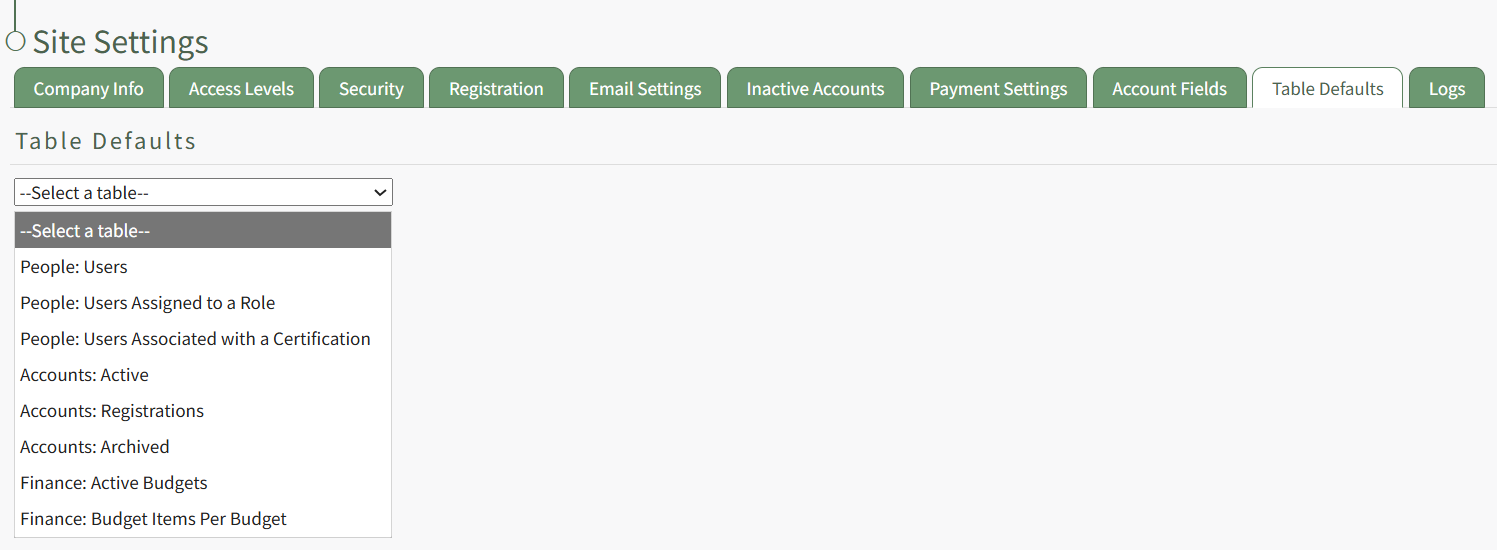
The Active Accounts Table (on the Active Tab of the Accounts Module), the Archived Accounts Table (on the Archived Tab of the Accounts Module), and the Pending Account Registrations Table (on the Registrations Tab of the Accounts Module) are all customizable.

<details id="bkmrk-how-to%3A-edit-the-acc"><summary>How To: Edit the Accounts Module Active Accounts Table</summary>

{{@96}}

</details><details id="bkmrk-how-to%3A-edit-the-acc-1"><summary>How To: Edit the Accounts Module Archived Accounts Table</summary>

{{@97}}

</details><details id="bkmrk-how-to%3A-edit-the-acc-2"><summary>How To: Edit the Accounts Module Pending Registrations Table</summary>

{{@98}}

</details>Customizable user account information fields can be created and utilized in the tables as needed.

<details id="bkmrk-how-to%3A-add-a-custom"><summary>How To: Add a Custom / Additional User Account Information Field</summary>

{{@856}}

</details>